AI Headshot Generator
Studio-quality portraits in seconds
Upload a single selfie and get free, professional AI headshots ready for LinkedIn, your corporate profile, About page or press kit.
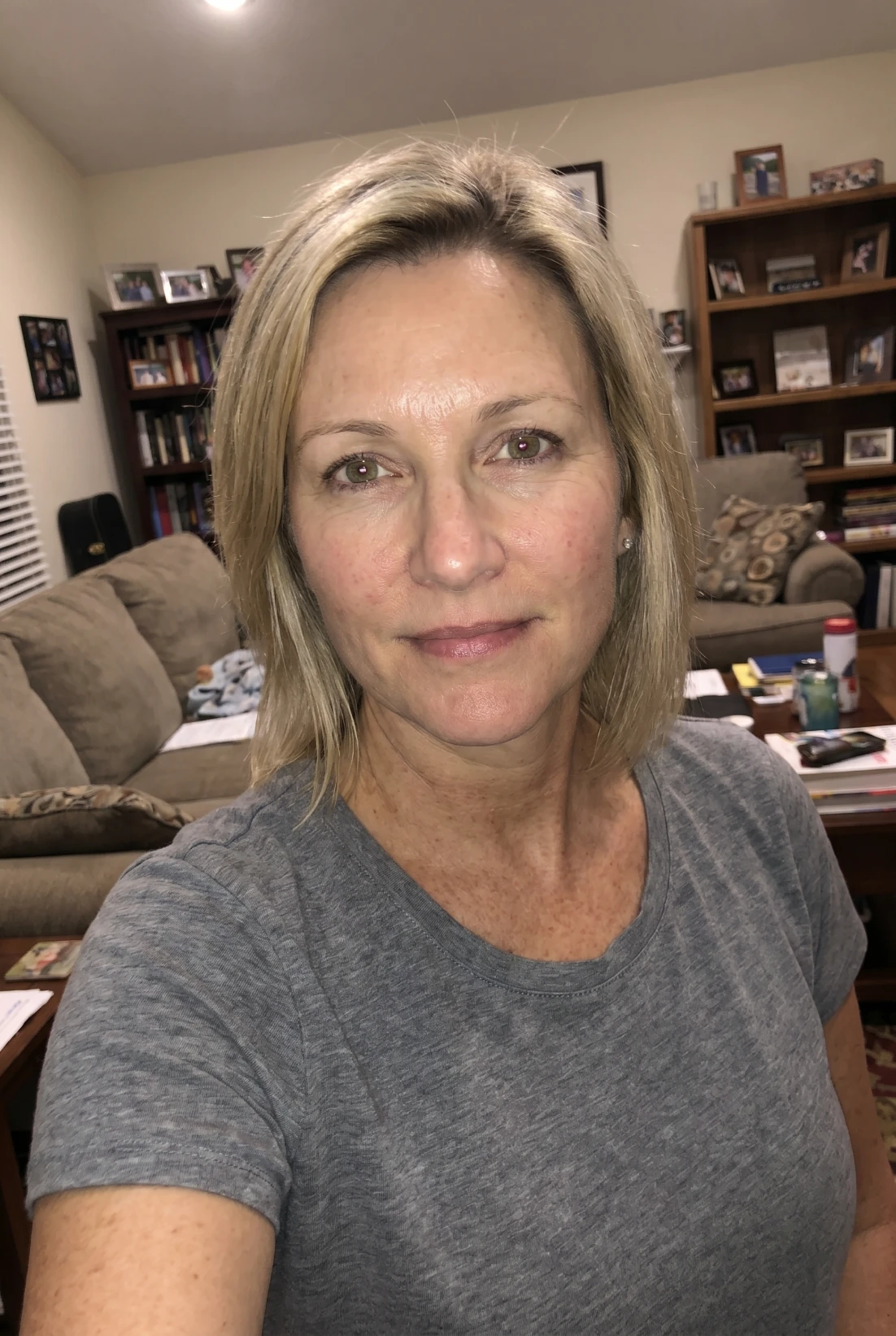
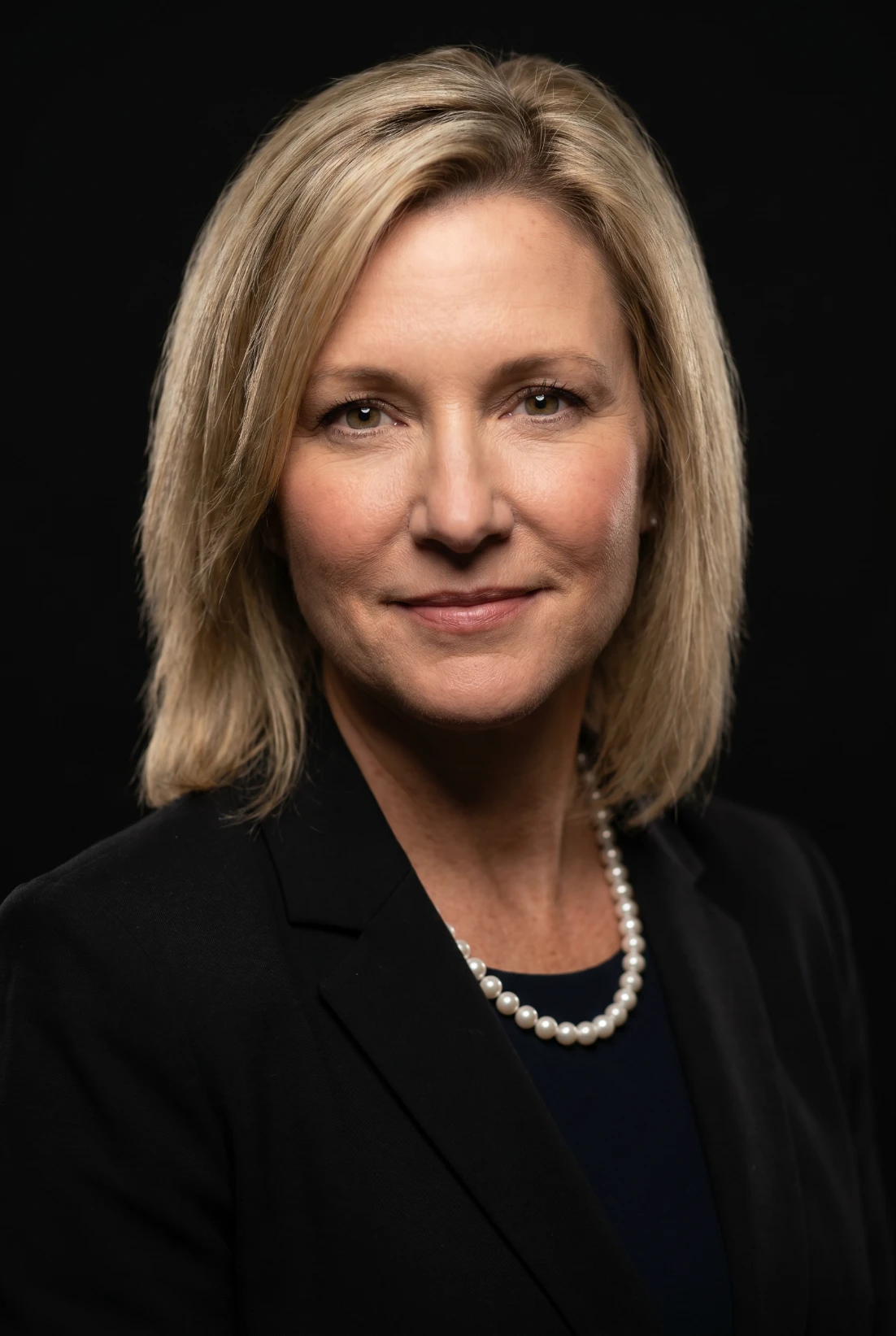
Every professional headshot style, in one place
From classic studio portraits to editorial fashion lighting — pick a style, upload a photo, and the AI does the rest.
Generate my free headshotLoading...
How the AI headshot generator works
From selfie to studio-quality professional headshot in three steps. No photographer, no studio booking, no awkward small talk.
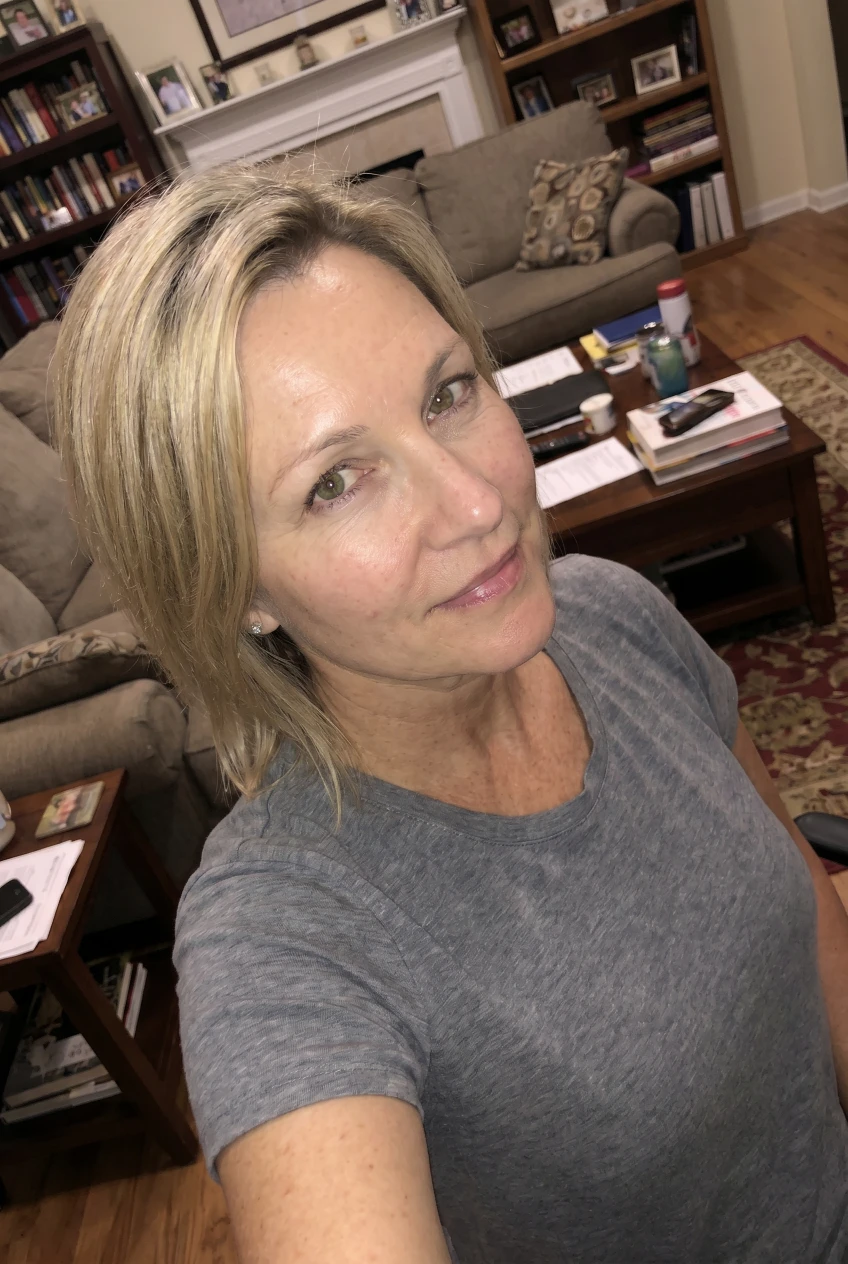
Tip: Headshot generations work best with a clear, front-facing photo.
1. Upload one selfie
Any clear front-facing photo works. The AI preserves your exact facial features, skin tone and identity — no idealising or beautifying.
2. Choose a style
Pick a background, framing, expression, lighting and lens — or hit Basic and let smart defaults do the work in one click.
3. Get HD headshots
Receive magazine-quality professional headshots at high resolution in under a minute. Download, share, ship to LinkedIn.
Your face. Your wardrobe. Your studio.
Other AI headshot tools lock you to a preset library. ACODA doesn't. Upload a photo of the jacket you actually wear, the office you actually work in, or the brand colour you actually use — and the AI puts you exactly there.
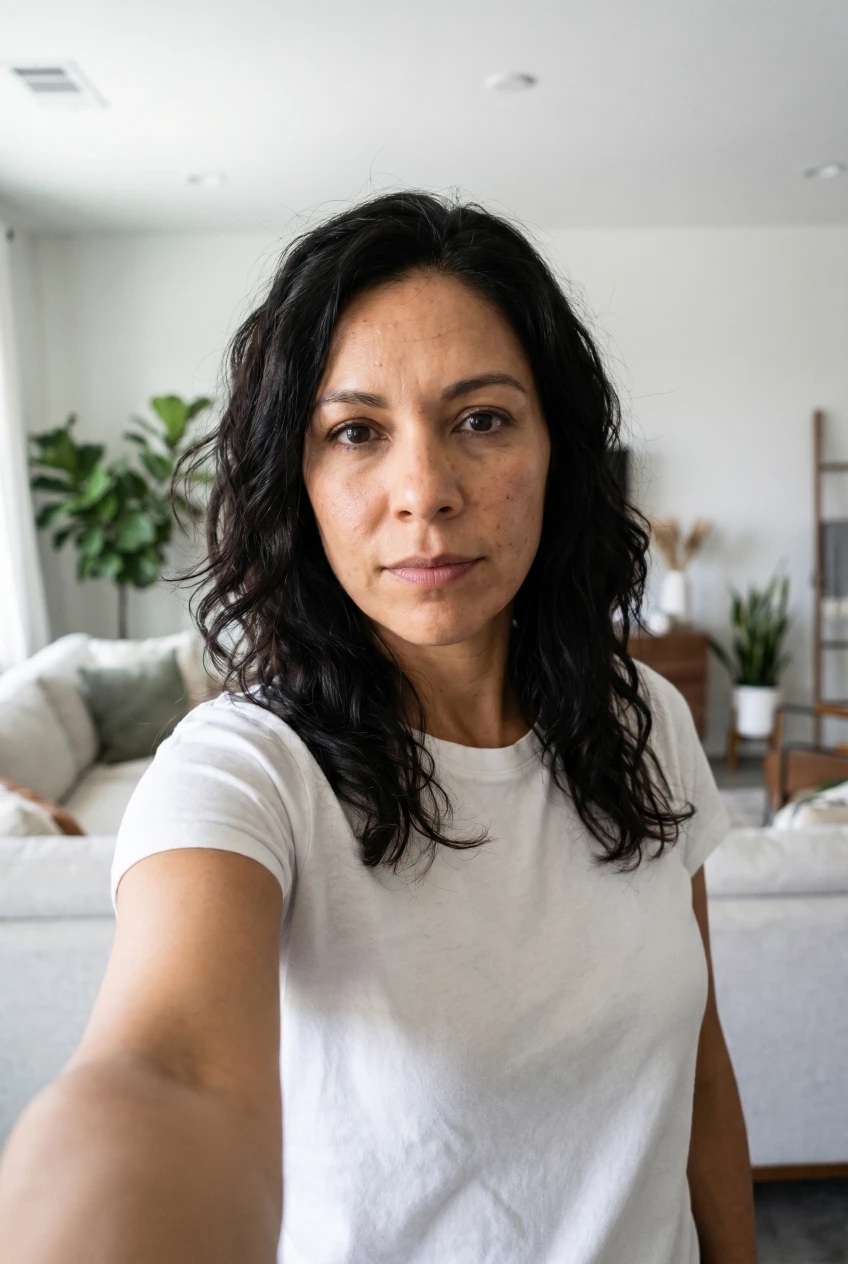
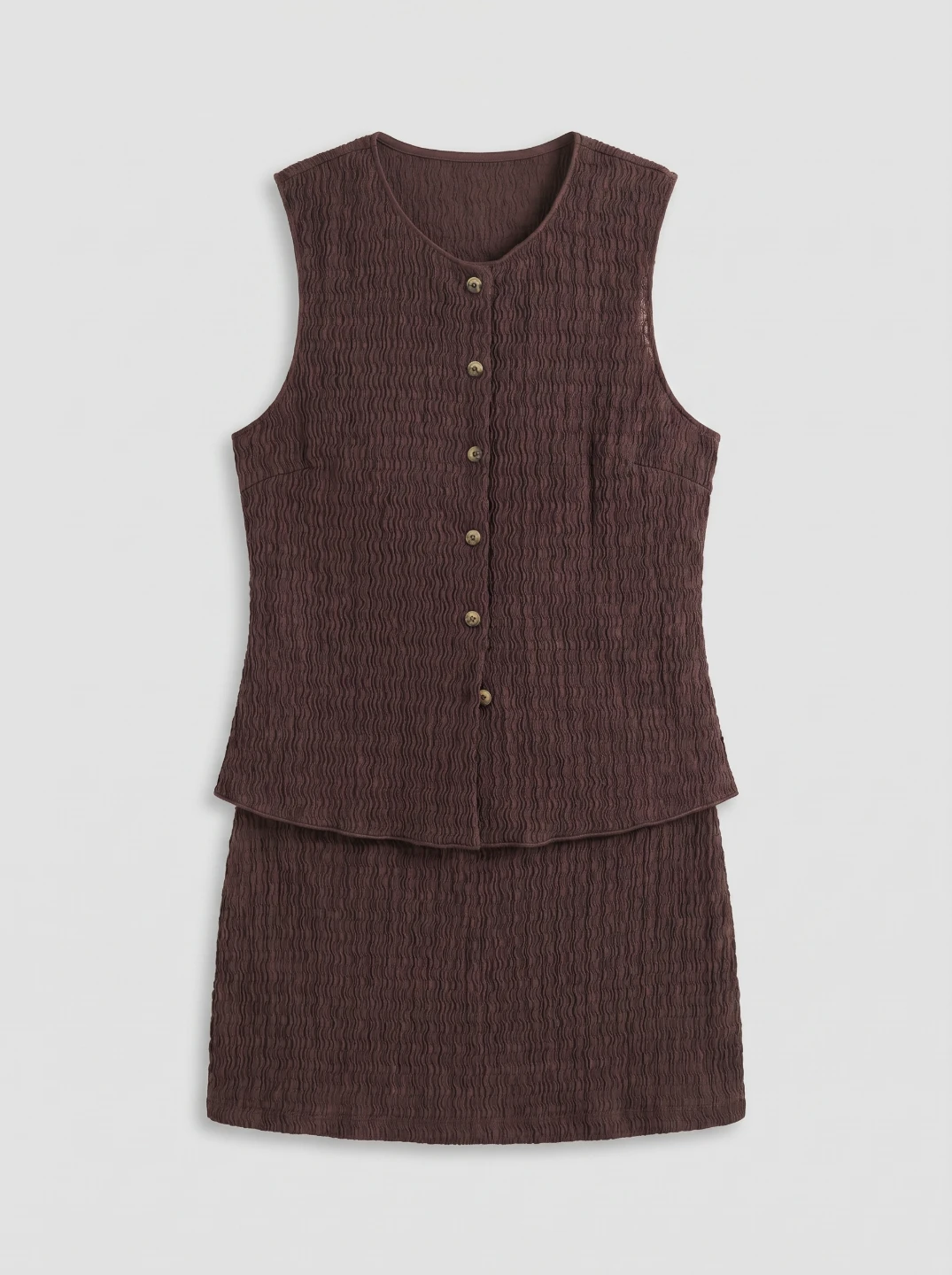
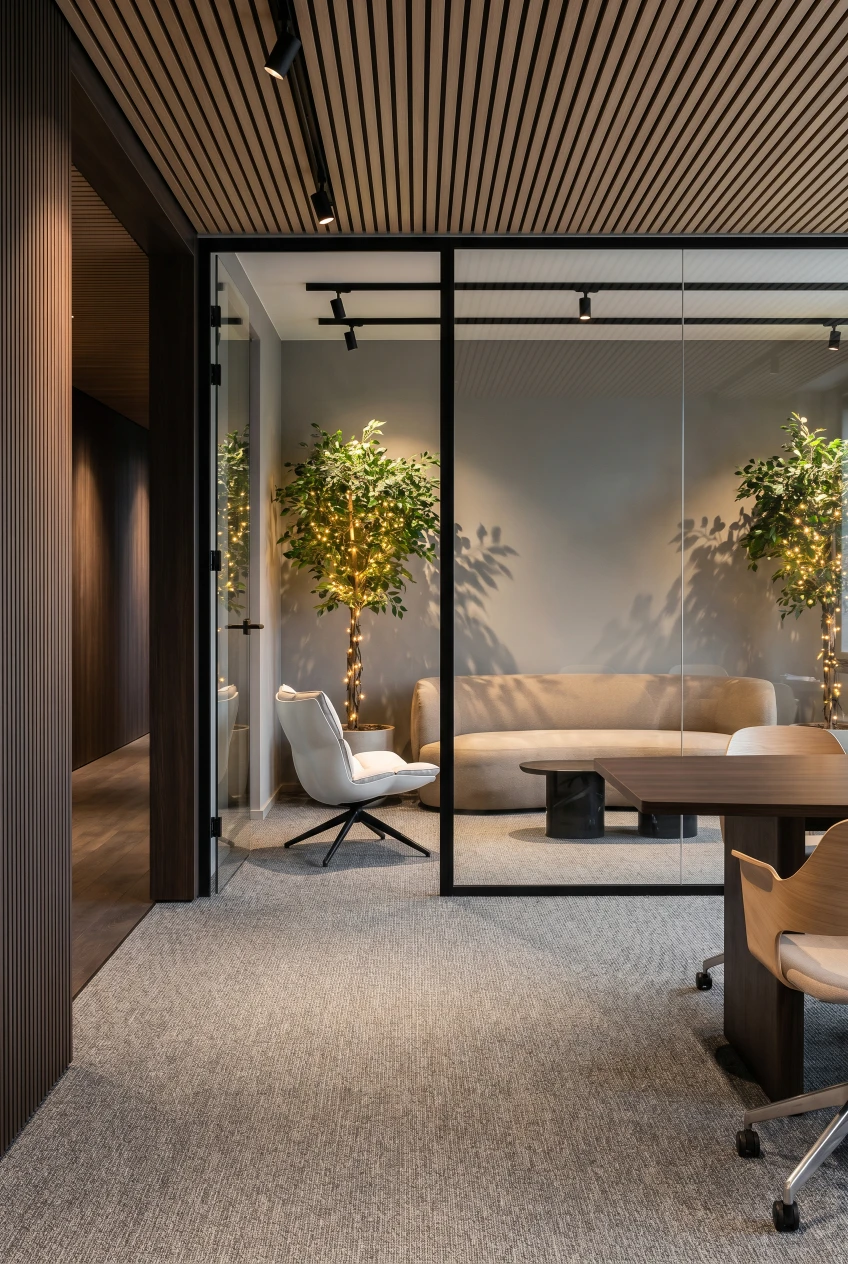
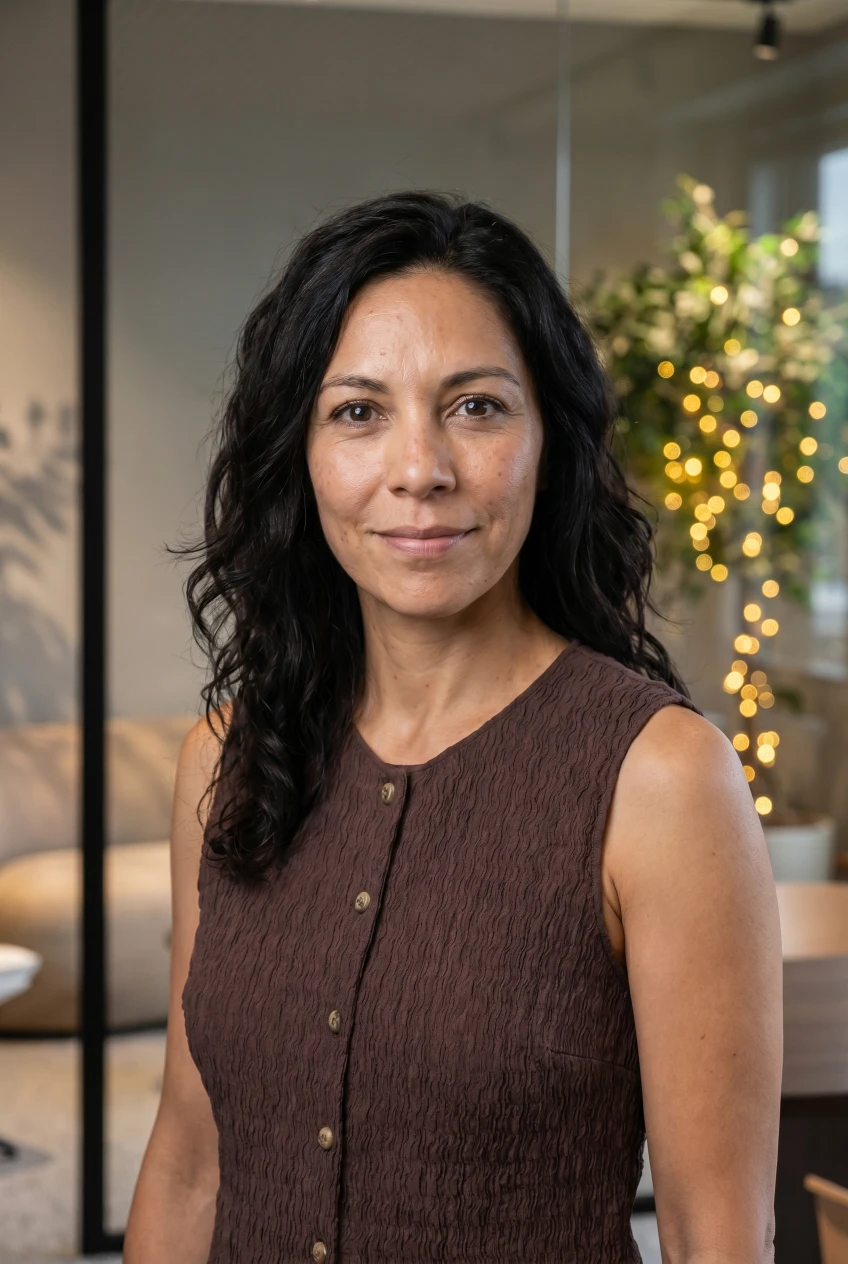
Tip: One garment reference + one background reference is the sweet spot. The AI blends both with your identity in a single generation.
One AI headshot, every professional surface
From LinkedIn headshots to corporate bios — generate a polished portrait for every place your face needs to show up.
Loading...
Why ACODA is the best AI headshot generator
Six reasons professionals choose ACODA over the alternatives.
True identity preservation
We keep your exact facial features, skin tone, age and ethnicity. No beautification, no AI-generated stranger.
Magazine-quality resolution
Print-ready output suitable for billboards, press kits and high-DPI displays. Not a 512px thumbnail.
30+ professional styles
Studio backdrops, real-world environments, fashion editorials and lens looks from 50mm to medium-format.
Ready in under a minute
From selfie to download in 20 to 60 seconds. No batch waiting, no email-when-ready.
Free to start
Generate your first AI professional headshots free, no credit card required. Pay only when you want unlimited HD downloads.
Private by default
Your photos are yours. We never train models on your uploads and you can delete every generation in one click.
Ready to see yourself at your best?
Generate your first professional AI headshot free. No credit card. Sixty seconds. One photo to a portfolio.
AI headshot generator frequently asked questions
Is the AI headshot generator free?
Yes. New accounts get 100 free credits to generate their first AI headshots with no credit card required. Paid plans unlock unlimited high-resolution downloads.
How realistic are AI headshots?
Extremely realistic. Our identity-preservation pipeline keeps your exact facial features, skin tone, age and ethnicity intact, then renders natural skin texture, catchlights and depth-of-field at studio-photographer quality. The result looks like you on your best day — not a stylised illustration.
Can I use AI headshots on LinkedIn?
Yes. AI-generated headshots are widely accepted on LinkedIn and other professional platforms. Choose the LinkedIn-ready studio backdrop preset for the optimal crop, lighting and resolution.
What makes the best AI headshot generator?
The best AI headshot generators preserve identity faithfully, render natural skin texture and catchlights, support multiple backgrounds and lens styles, and deliver high-resolution downloads. ACODA combines all four.
How long does it take to generate an AI headshot?
Most professional AI headshots are ready in 20 to 60 seconds. You'll have a finished portrait before you've finished topping up your coffee.
Are AI headshots good enough for corporate or press use?
Yes. ACODA produces magazine-quality corporate headshots at high resolution suitable for corporate websites, press kits, conference programmes, About pages and printed materials.
What photo should I upload for the best result?
Upload a clear, well-lit photo where your face is centred and unobstructed. A front-facing or three-quarter angle works best. Avoid sunglasses, hats and heavy filters — the AI preserves your real identity, so a good source photo is the most important step.
More AI portrait & people templates
Other ways to generate people, portraits and UGC content with ACODA.
Loading...
Your next professional headshot is one upload away
Free AI headshot generator. No credit card. No studio booking. Just upload a selfie and download your portfolio in under a minute.