
CREATE YOUR OWN AI INFLUENCER AND MAKE VIRAL AI PRODUCT VIDEOS
Nothing here was filmed. Describe an AI influencer once and ACODA saves her as a character you reuse, then one plain sentence per product returns a vertical AI UGC ad with dialogue and sound — your product, in her hands, in every frame.
THREE PRODUCTS, ONE AI INFLUENCER 100% AI
Three viral AI product videos fronted by the same AI creator. Same face, same room, same outfit — the only thing that changes between them is the product photo.
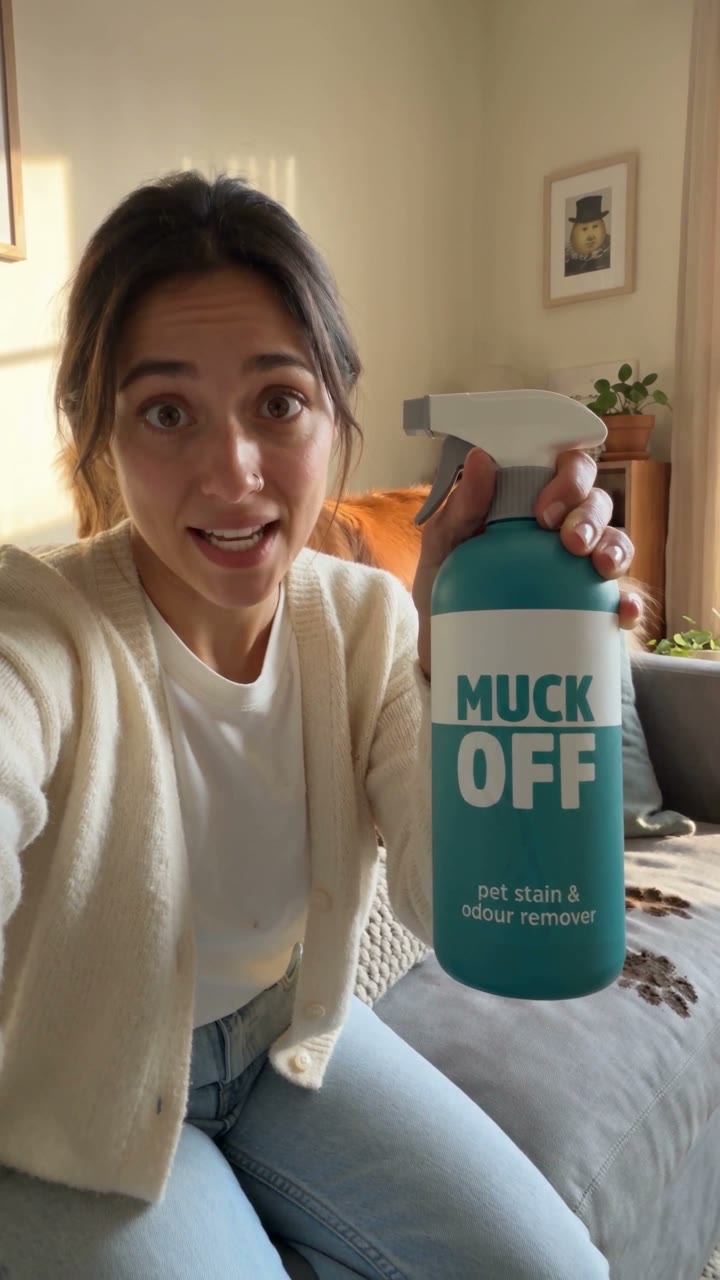
MUCK OFF — pet stain remover
Hook and payoff · one take
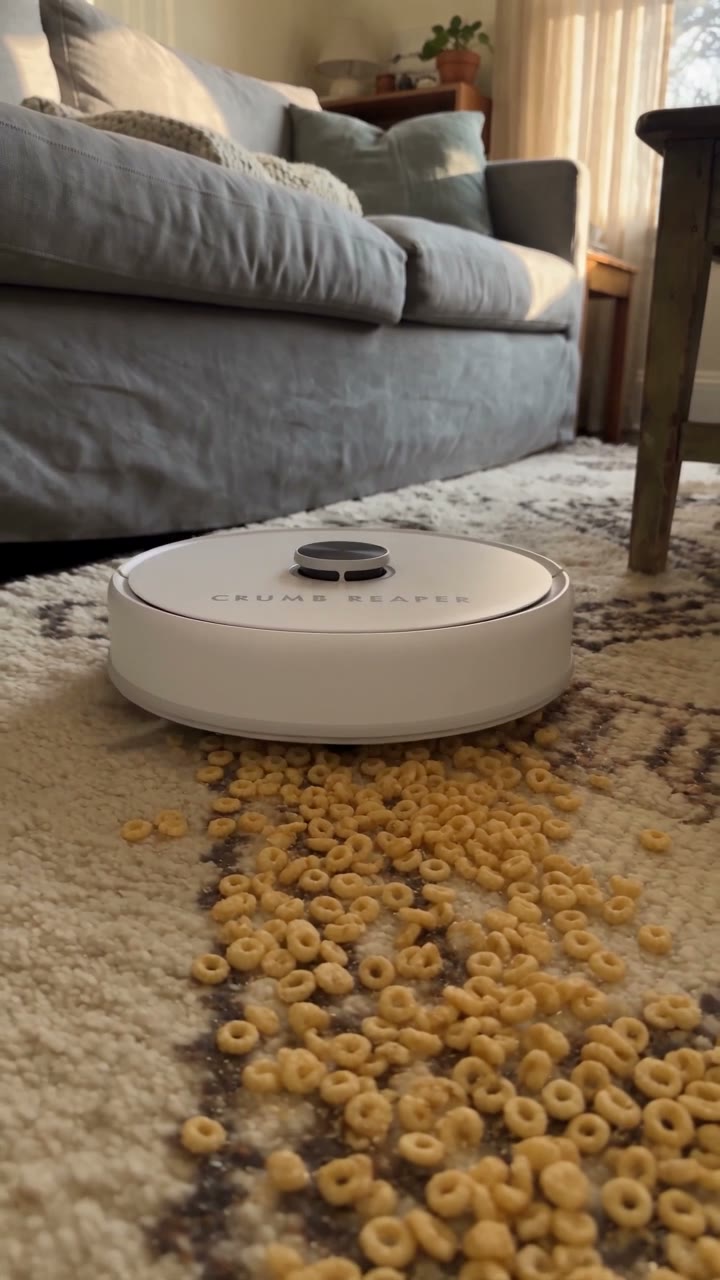
CRUMB REAPER — robot vacuum
Same character, new product photo
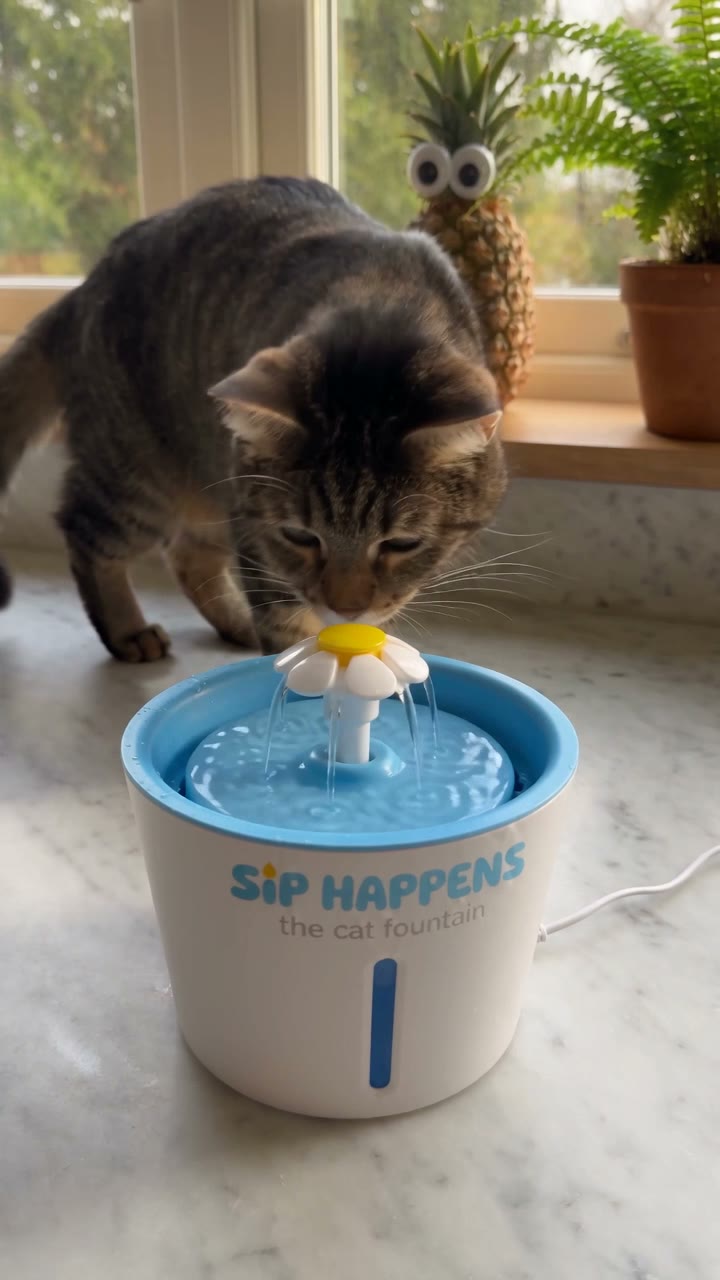
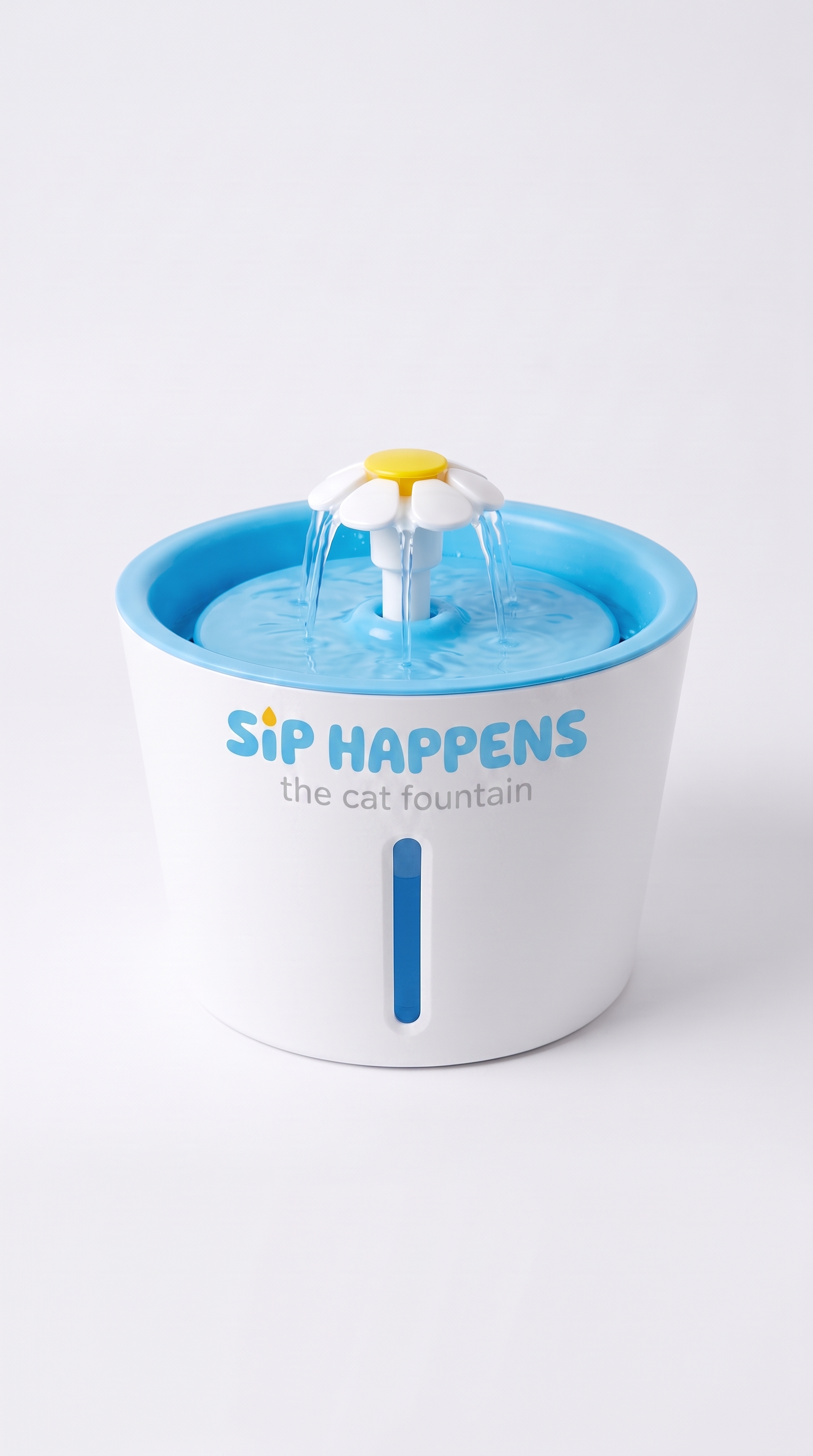
SIP HAPPENS — cat fountain
The clip that opens the tutorial
MUCK OFF — pet stain remover
Hook and payoff · one take
CRUMB REAPER — robot vacuum
Same character, new product photo
SIP HAPPENS — cat fountain
The clip that opens the tutorial
WATCH IT HAPPEN
HOW TO MAKE AI UGC ADS, START TO FINISH
THE EXACT AI UGC PROMPT
ONE SENTENCE, NOT A SCRIPT
This is the whole prompt for the viral AI video above, word for word. The Director writes the hook, the payoff and the dialogue from it — swap MUCK OFF for your own product name and it works unchanged.
Make a viral video for MUCK OFF pet stain remover (@1). Maya (@2) is the creator showing it off at home — @3 is her living room and she can wear the outfit in @4.
Opens Storyboard with the sentence typed and all four images attached in order — swap in your own product to make it yours.
WHAT YOUR AI UGC VIDEO USES FOUR IMAGES, NUMBERED
Your product, your AI influencer, her room and her outfit. Attach these four and the @ numbers in the sentence line up with them in order — that is the whole syntax.
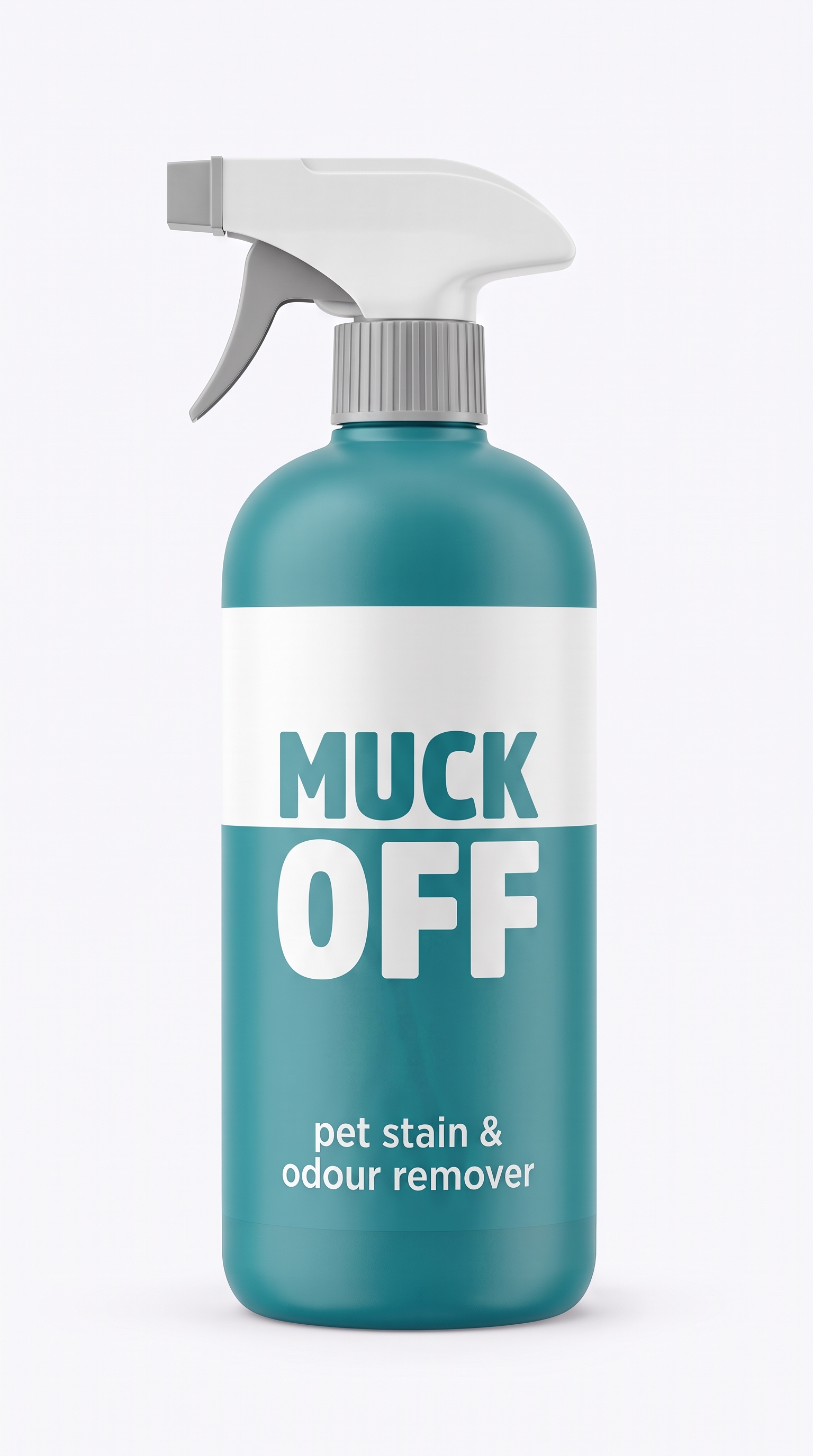
@1 — the product
Your own photo, held exactly
@2 — the AI influencer
Saved once, reused every time

@3 — the room
The set every clip is shot in
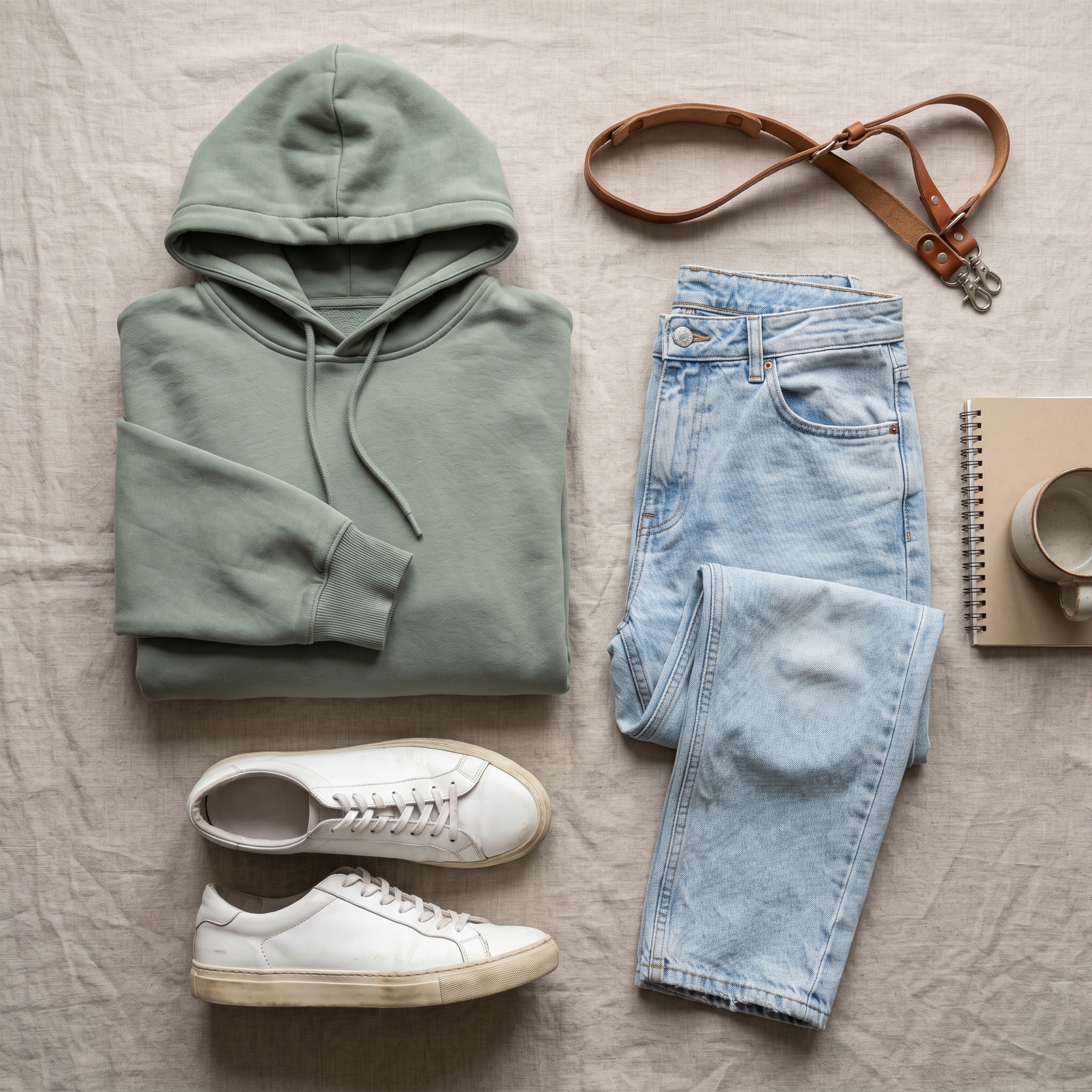
@4 — the outfit
The same clothes every time
@1 — the product
Your own photo, held exactly
@2 — the AI influencer
Saved once, reused every time
@3 — the room
The set every clip is shot in
@4 — the outfit
The same clothes every time
START FROM YOUR OWN PRODUCT PHOTOS
IMAGE TO VIDEO, SAME FLOW
Already have product shots, or just a phone photo? Attach an image and the same flow becomes an image to video AI generator: Storyboard stages the shots around your photo and keeps the product exact in every frame. Starting from your own images is this same flow with a reference attached.
ONE AI INFLUENCER. AS MANY PRODUCTS AS YOU SELL
The character sheet is generated once and saved to your library. Every AI UGC video after that attaches the same sheet, so the influencer selling your third product is the one who sold your first — no casting, no rates, no reshoots.
CREATE YOUR AI INFLUENCER FIRST
PLAIN ENGLISH, NOBODY REAL INVOLVED
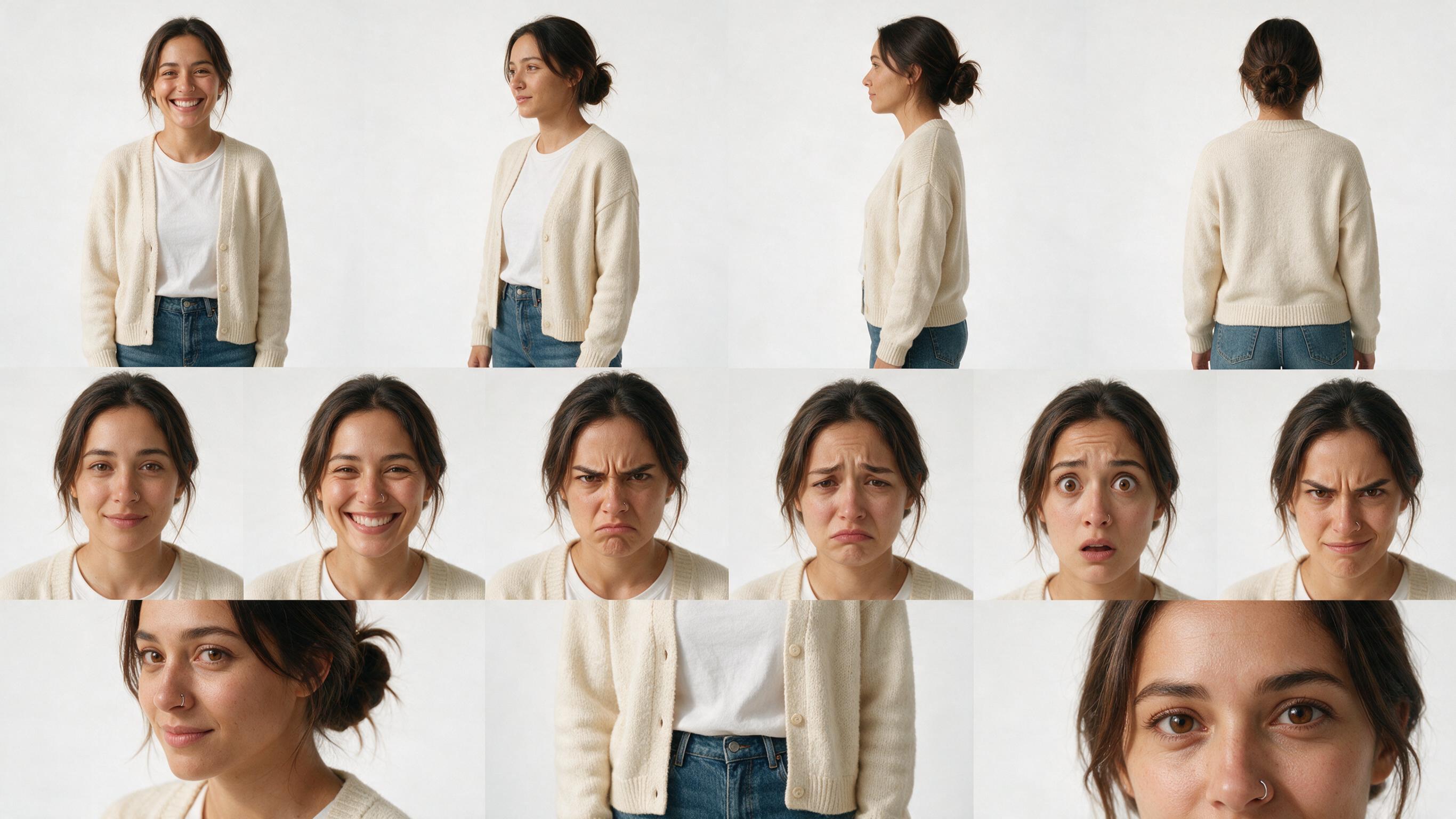
An AI influencer is just a written description turned into a reusable AI character sheet. Two details do most of the work: give her a height, and say plainly that she should look like a real person in a normal photo. Without those she comes back airbrushed, and airbrushed does not read as a real creator.
Maya, a warm and approachable content creator in her late 20s, about 5'6". Shoulder-length dark brown hair in a loose low bun, light olive skin, expressive brown eyes, small silver nose stud. Big genuine smile. Casual creator style: cream knit cardigan over a plain white tee and jeans. She should look like a real person in a normal photo, not airbrushed or filtered.
HOW TO MAKE AI UGC ADS THREE STEPS, NOTHING FILMED
1. Describe your AI influencer
A few lines of plain English. ACODA returns an AI character sheet — four angles, six expressions — and saves it to your library for every video after this one.
2. Attach four images
Your product, the character, the room, the outfit. The @ numbers in your sentence point at them in that order.
3. Write one sentence
The Director writes the hook and the payoff, plans the shots and generates the frames. You approve frames and pick takes.
WHAT THE EPISODE COVERS
Describing a character so she reads as a real person, the two lines that stop her looking airbrushed, saving her once for reuse, the one word that puts the Director into hook and payoff mode, editing any line or scene on the board, checking the price before you render, and drafting on a cheaper model first.
Project files
Import the exact boards from this tutorial straight into your own account.
- MUCK OFF viral boardthe board built on camera — hook, payoff, one take
- CRUMS REAPER viral boardthe same four images with one product swapped
- SIP HAPPENS viral boardthe cat fountain clip that opens the tutorial
READY TO MAKE YOUR OWN AI UGC ADS? IT STARTS WITH ONE PRODUCT PHOTO
Describe your AI influencer, attach your product photo, and write the sentence. Nothing renders until you approve the frames.