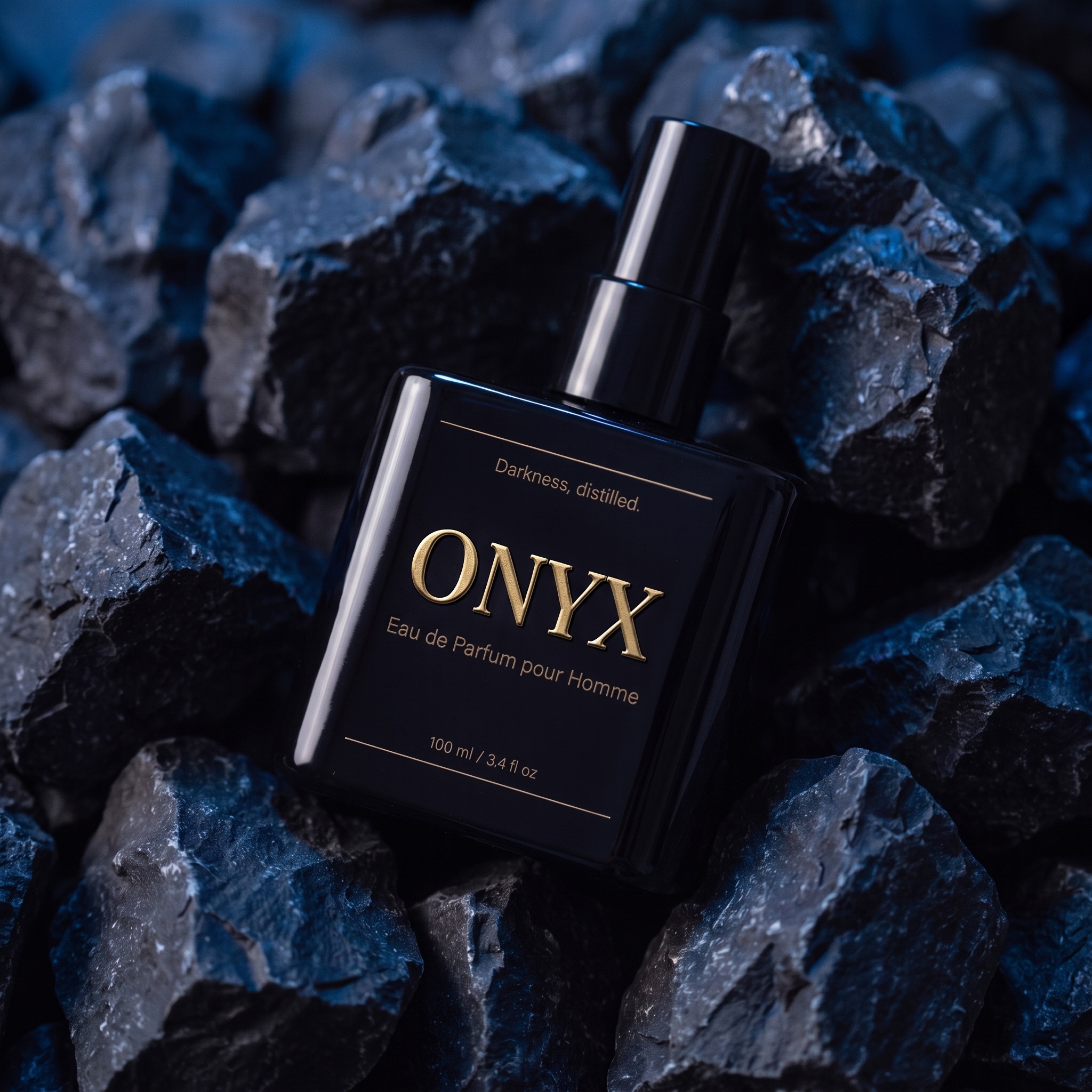
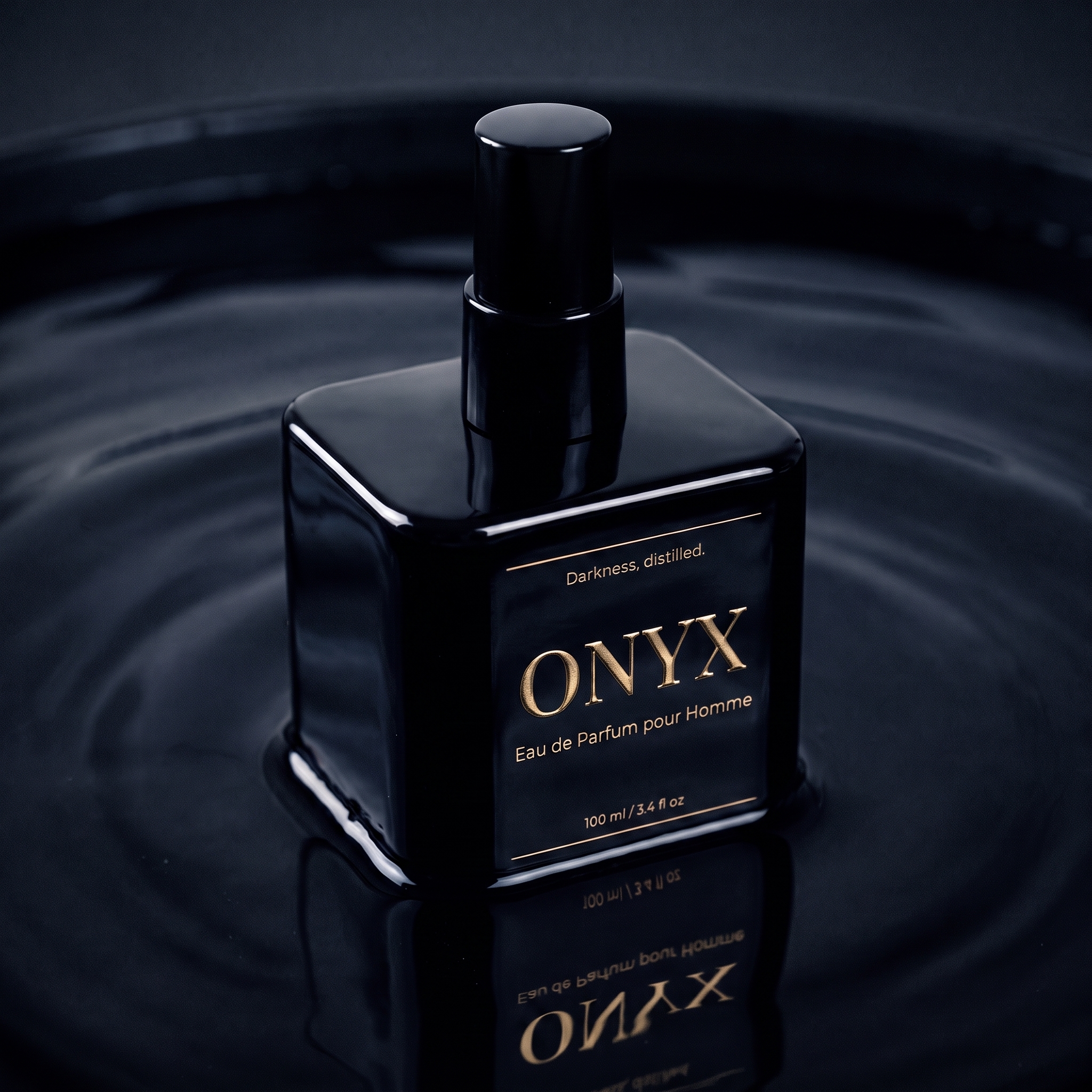
ONE PHONE PHOTO. 10 AI PRODUCT SHOTS.
FROM ONE PLAIN SENTENCE
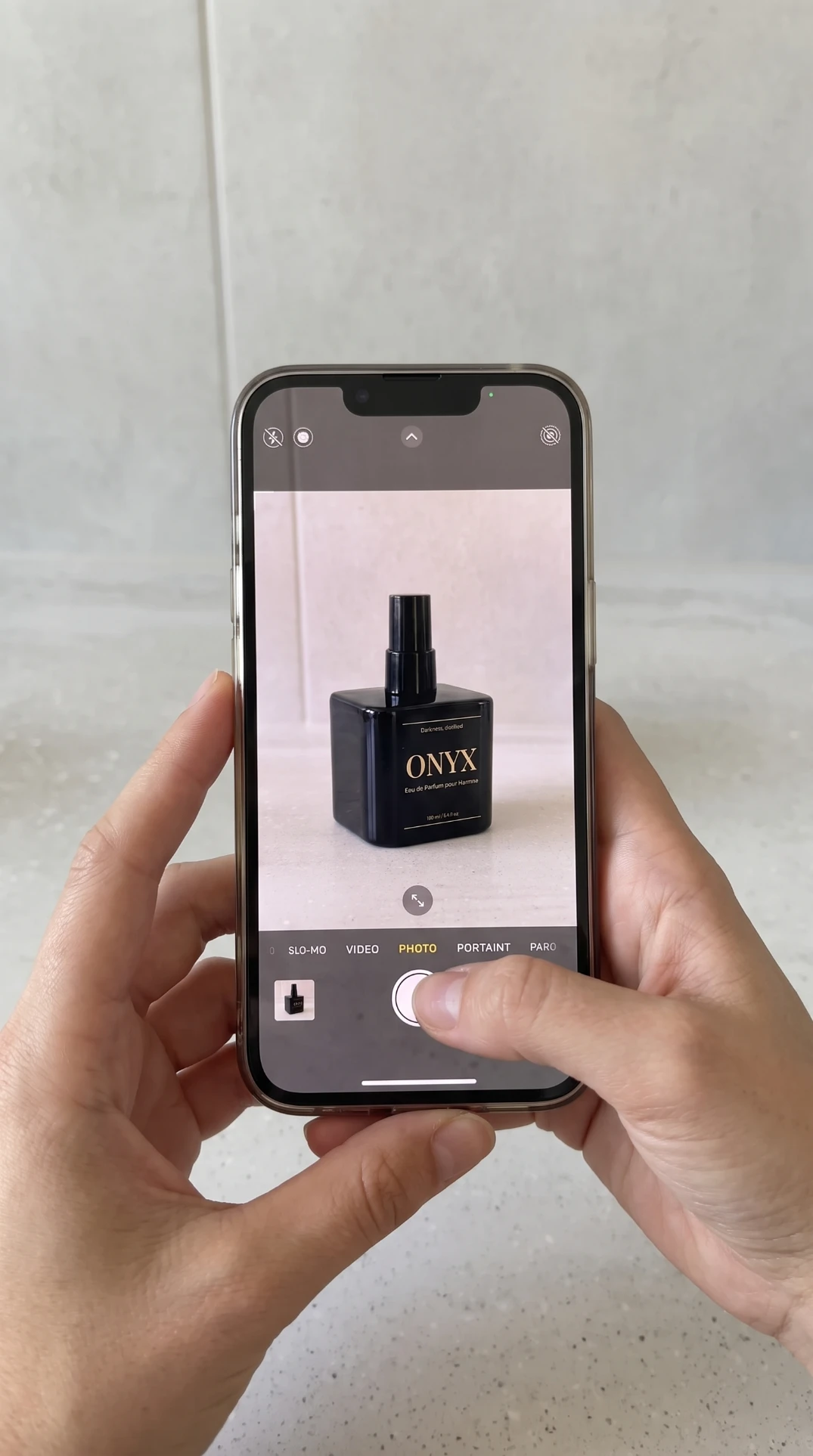
Photograph your product on your phone and upload it to the ACODA Creative Agent, with a simple prompt. ACODA writes all ten shots — camera, lens and lighting — and you can change any of them before you spend a credit.
WATCH IT HAPPEN
THREE MINUTES, START TO FINISH
THE EXACT PROMPT
COPY IT, SWAP THE PRODUCT NAME
The sentence typed in the video, word for word. Change ONYX to your own product name and it works unchanged.
Here's my ONYX fragrance bottle. I need 10 images - 4 on a seamless white studio background with soft shadows, at a 45 degree angle, front on, a macro close up and a flat lay. And 6 moody and masculine varied shots for cologne ads, shot in close - some macro close ups with rich depth of field, some full frame, and some with the bottle running out of frame.
Opens with the two demo photos already attached — swap in your own product to make it yours.
FOR THE PRODUCT PAGE SEAMLESS WHITE, EVERY ANGLE
Same bottle, same label, same gold foil — held exactly, across every framing.
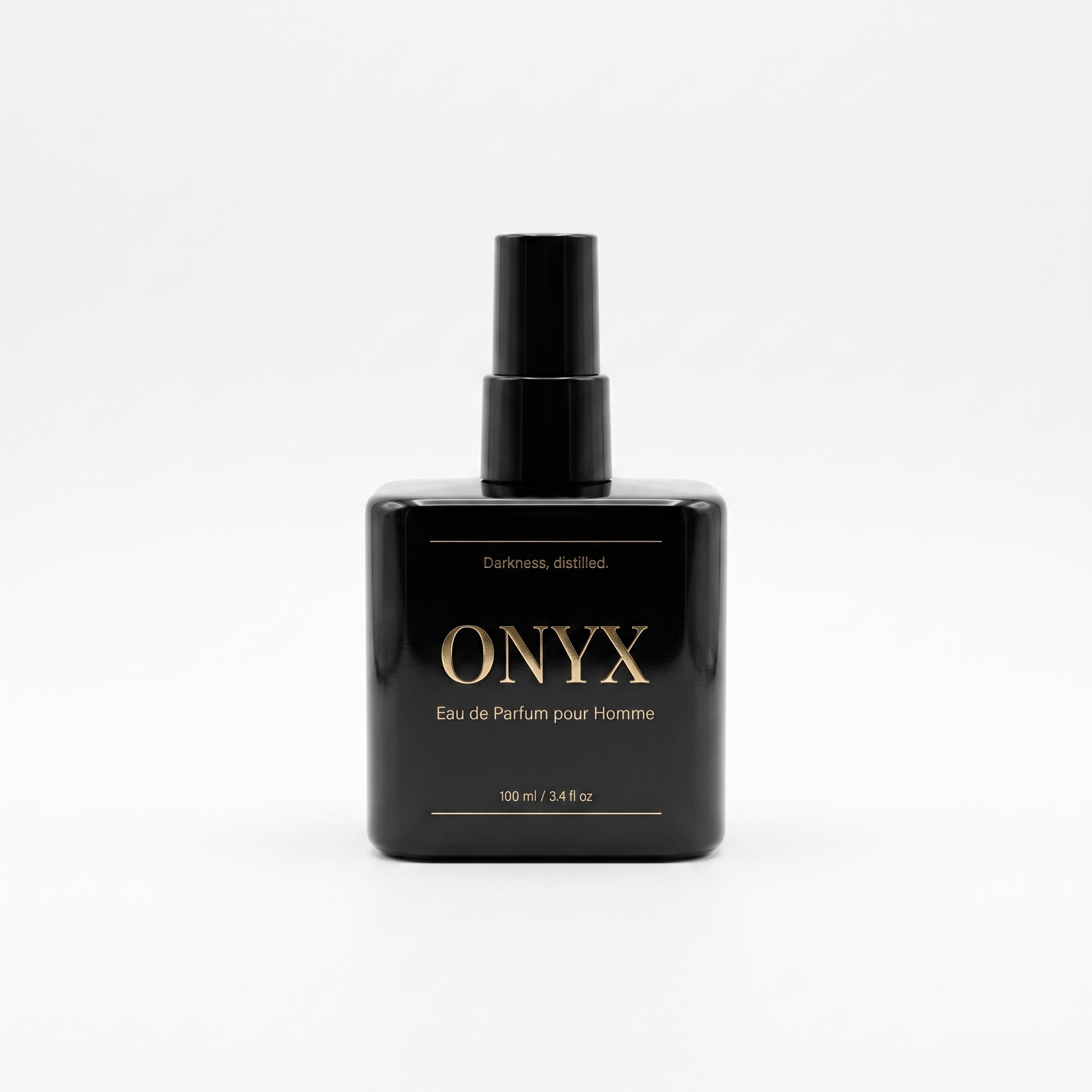
ONYX bottle front on, seamless white
Front on · soft shadow
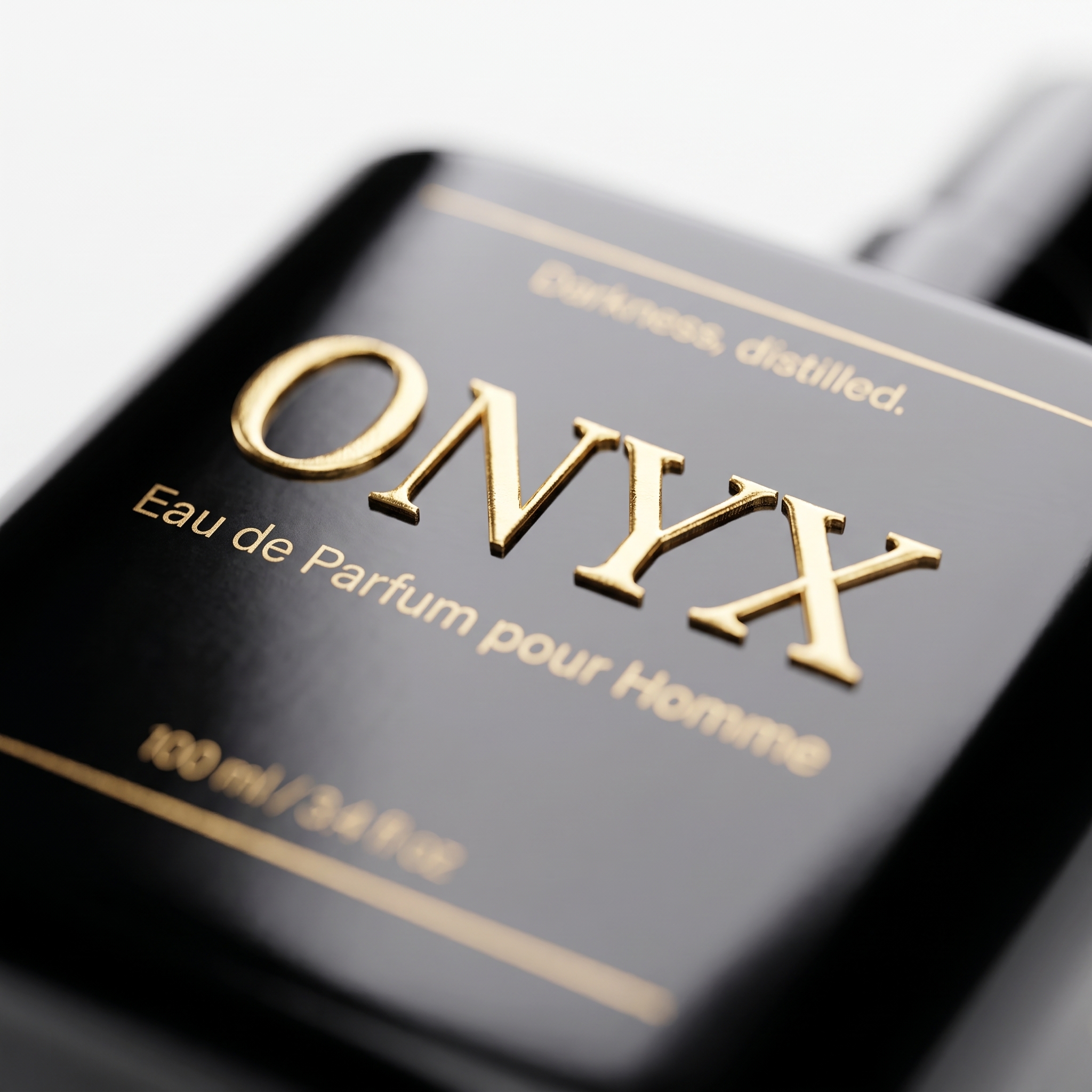
ONYX bottle flat lay from above
Flat lay · top-down
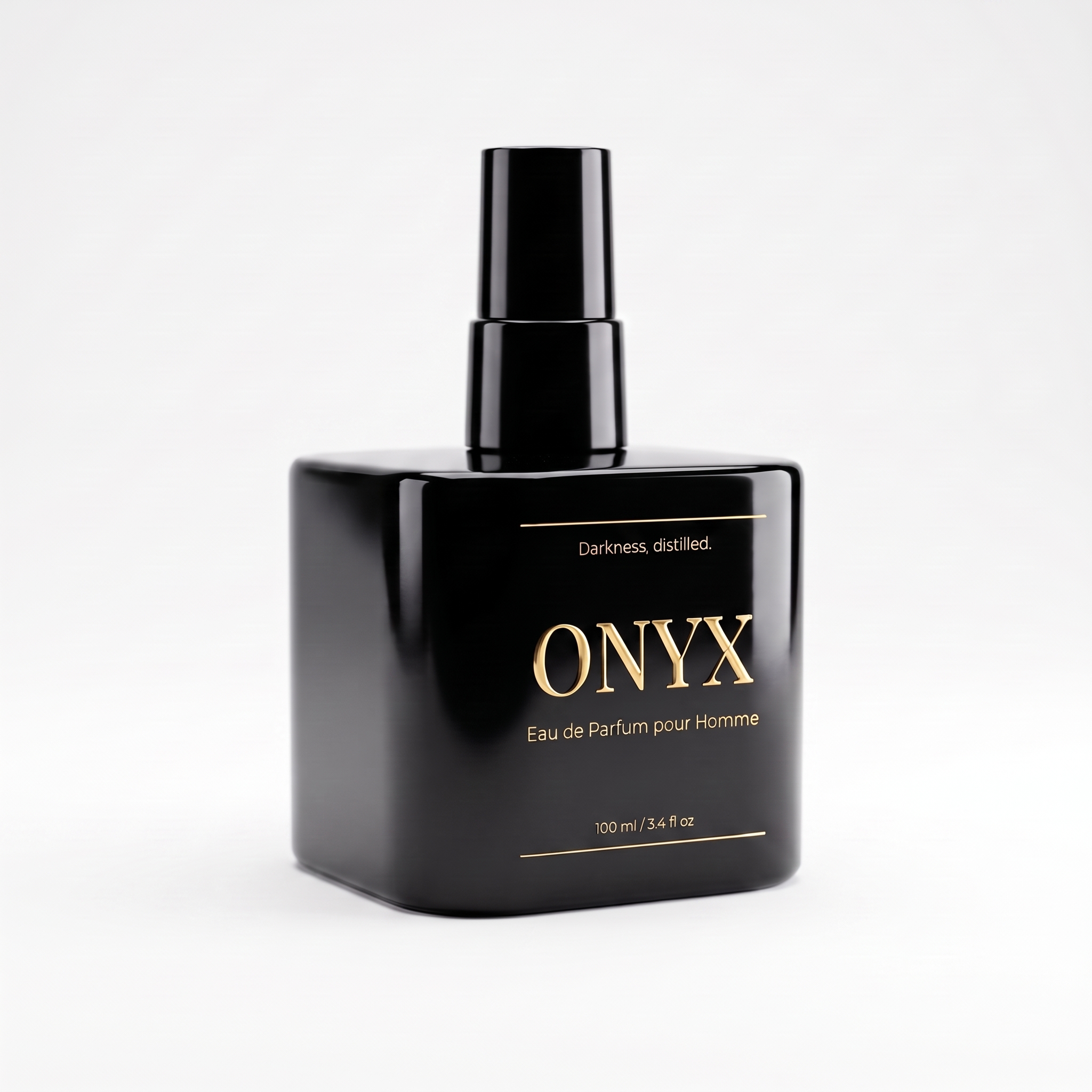
ONYX bottle at 45 degrees on white
45° hero · soft key light
ONYX bottle front on, seamless white
Front on · soft shadow
ONYX bottle flat lay from above
Flat lay · top-down
ONYX bottle at 45 degrees on white
45° hero · soft key light
FOR THE ADS SIX MOODY SHOTS, ONE BRIEF
Asked for in the same sentence as the white set.
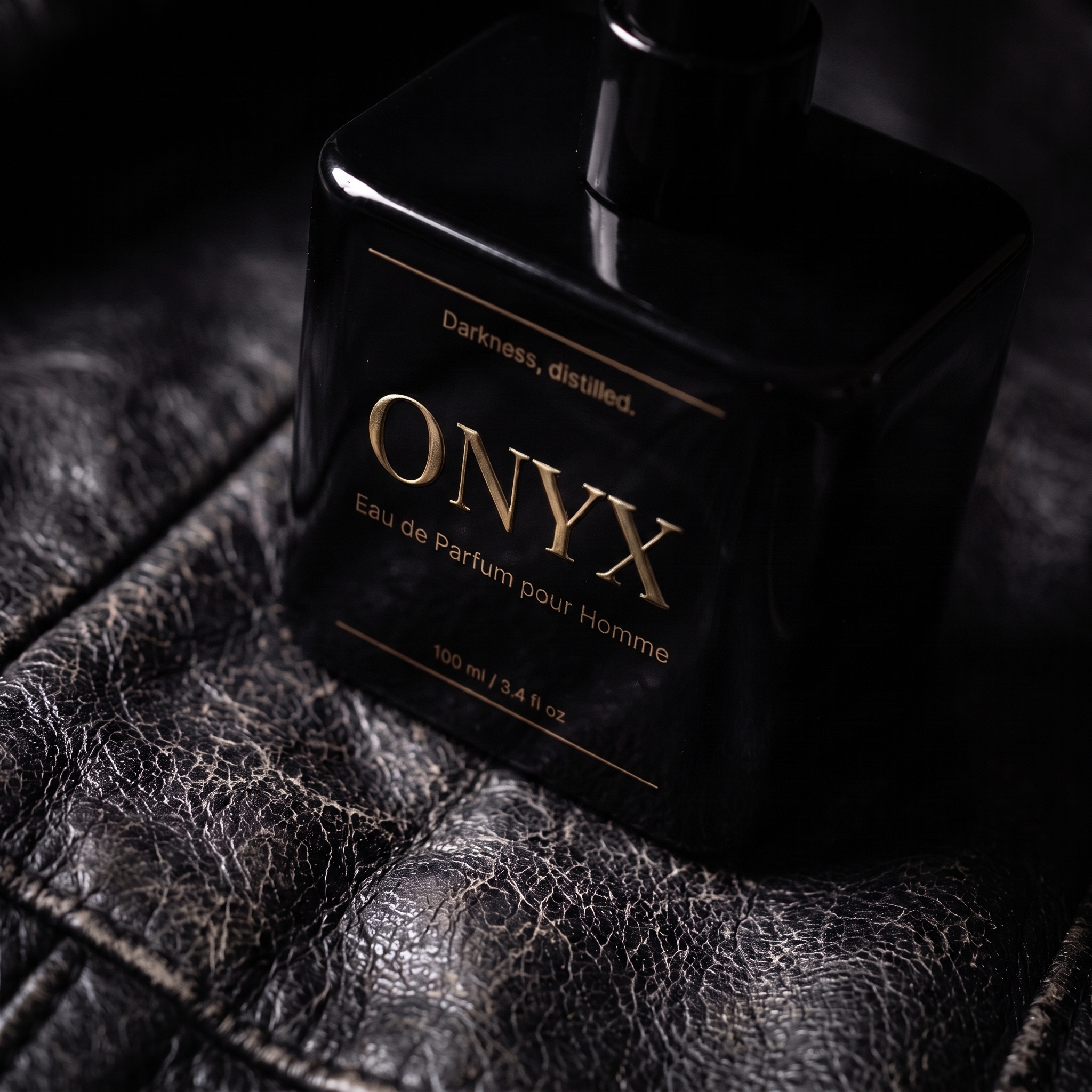
ONYX bottle lit through drifting smoke
Smoke · hard rim light
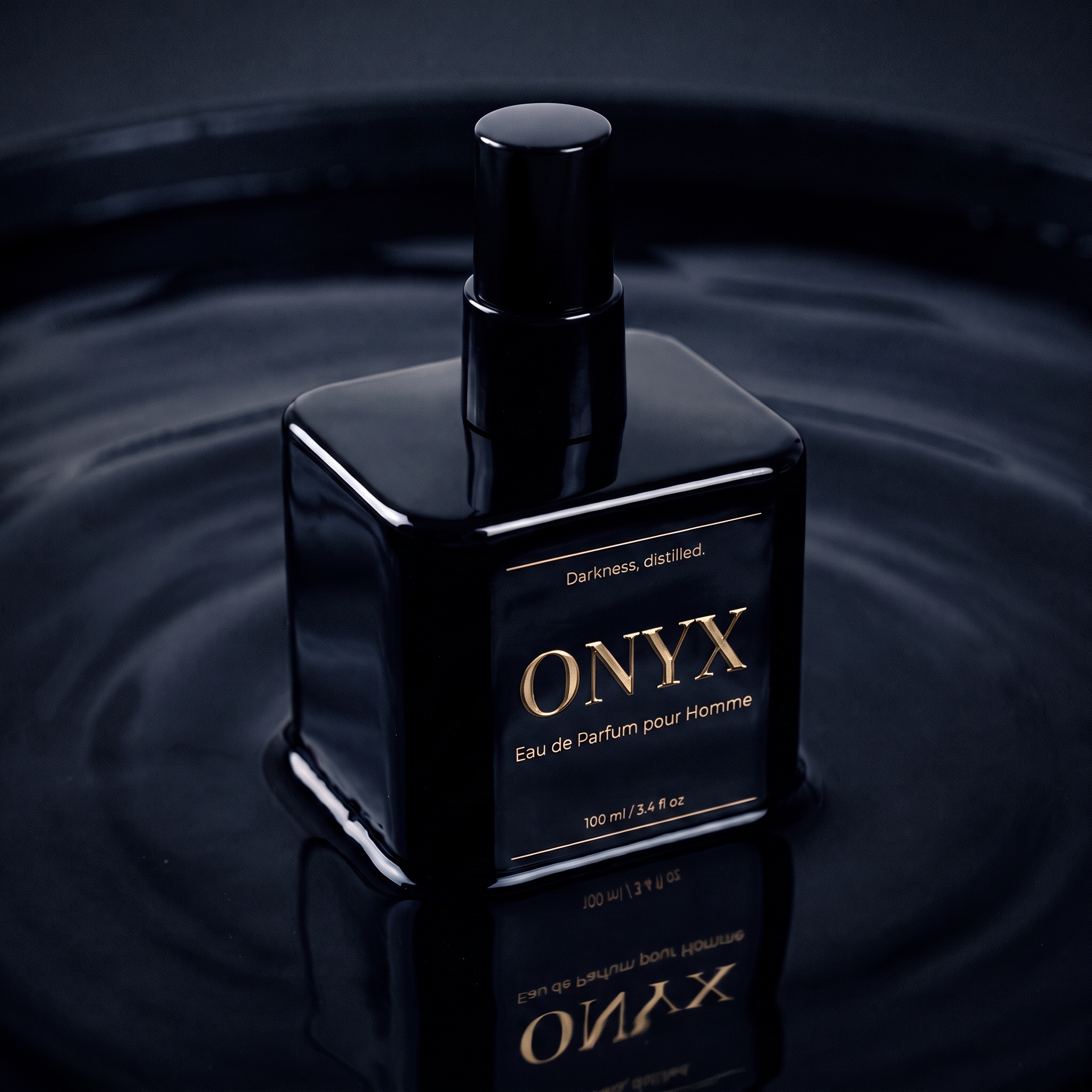
Macro of the ONYX label on worn leather
Macro · shallow depth of field
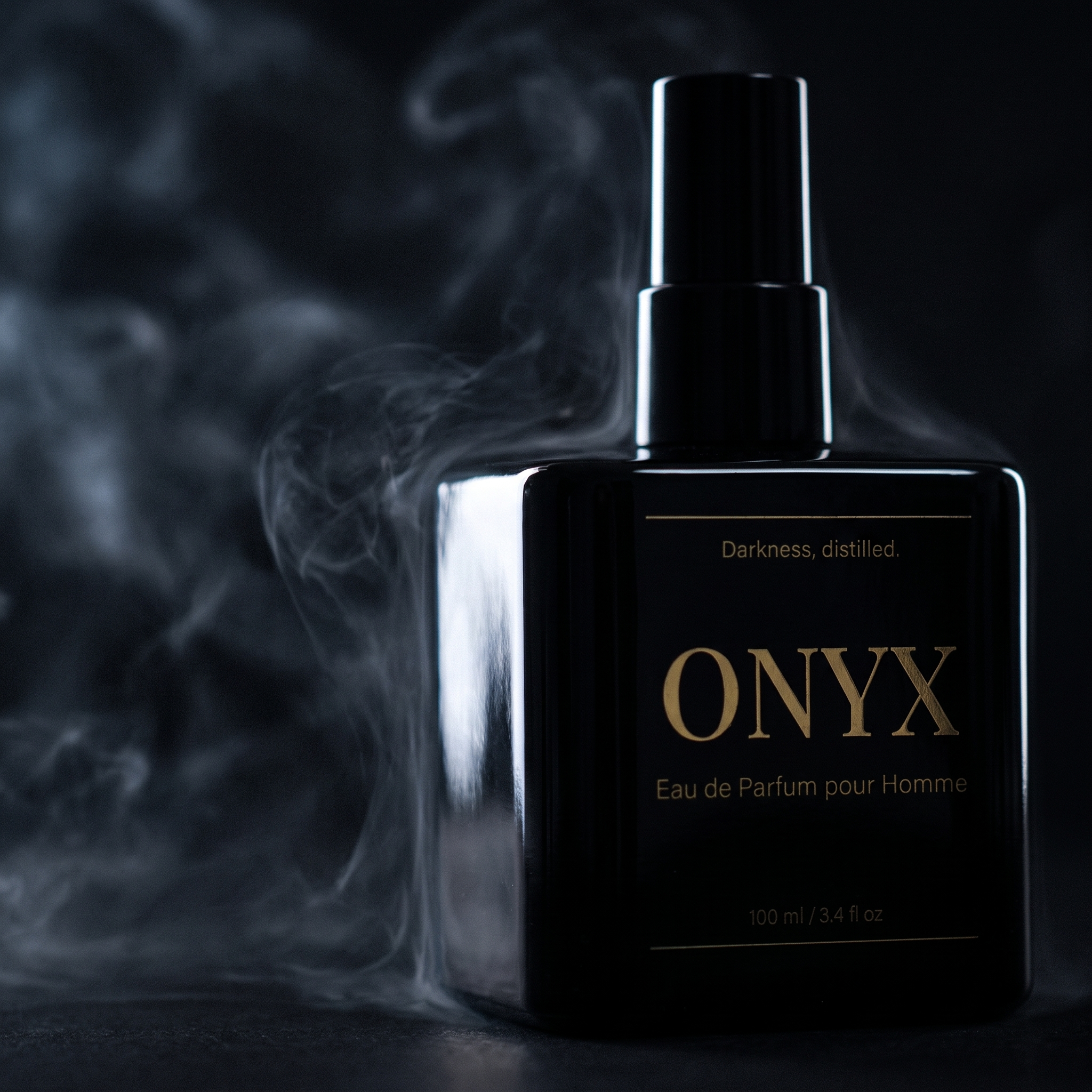
ONYX bottle laid on a black leather jacket
Full frame · low key
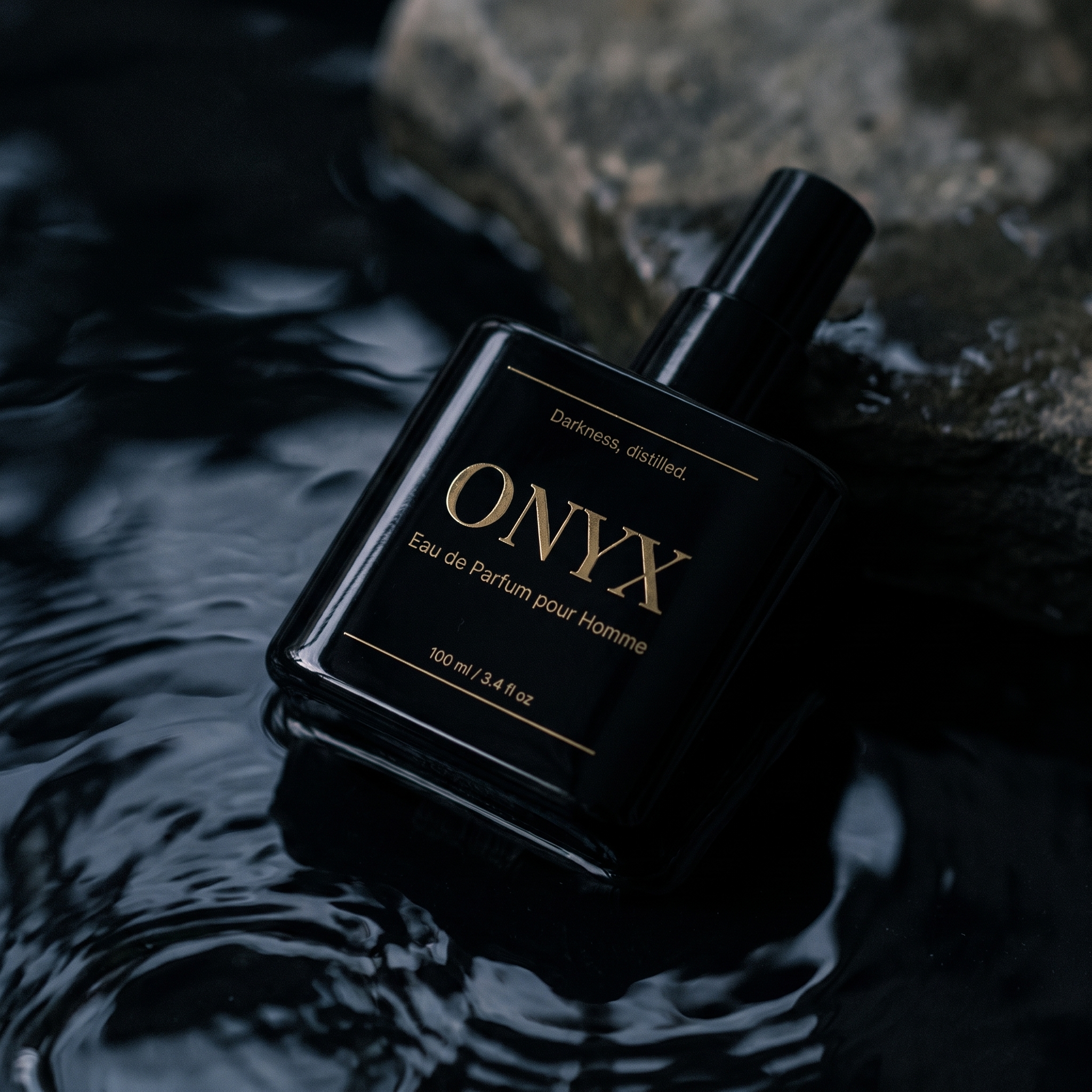
ONYX bottle beside burning charred wood
Firelight · practical source
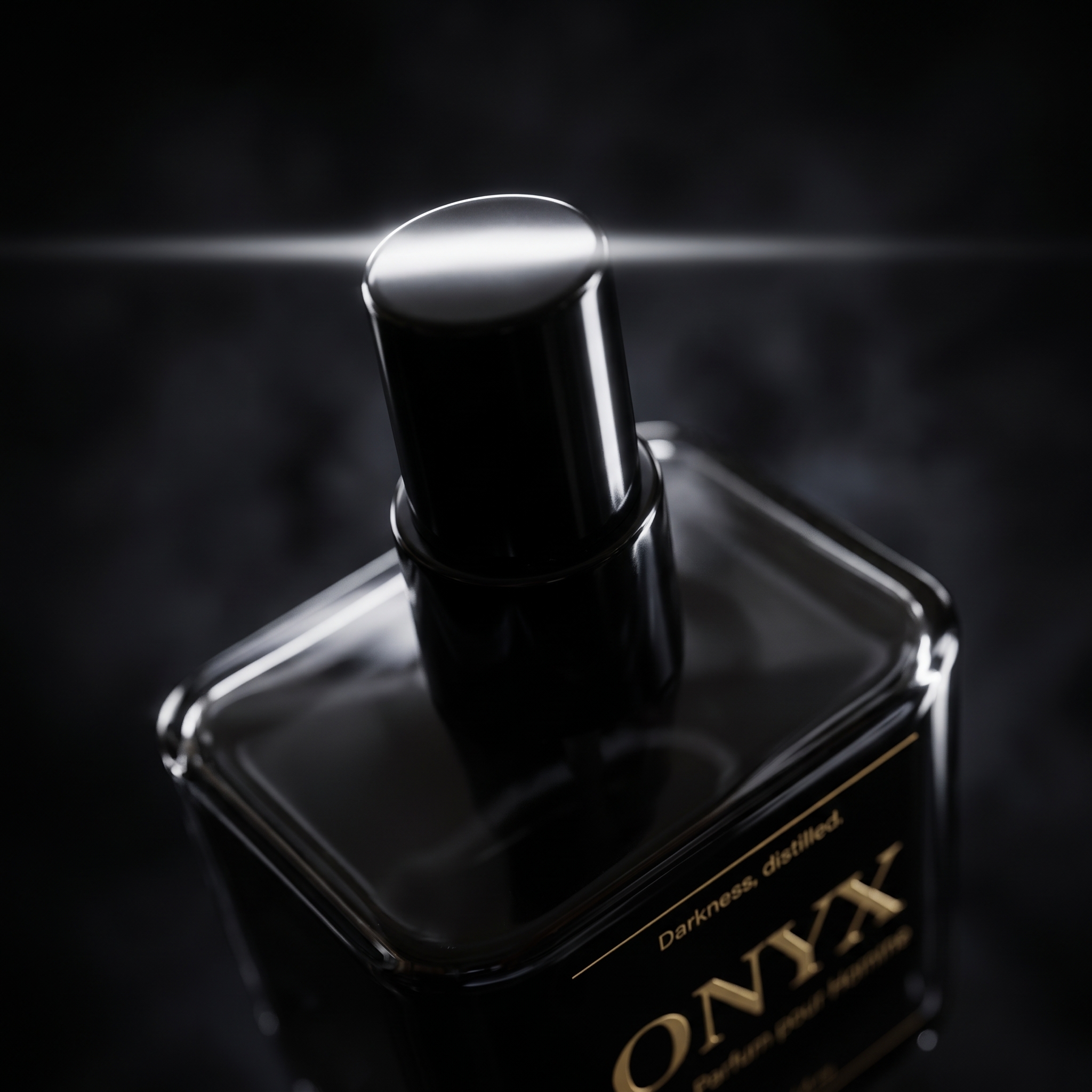
Rim-lit ONYX bottle running out of frame
Crop · running out of frame
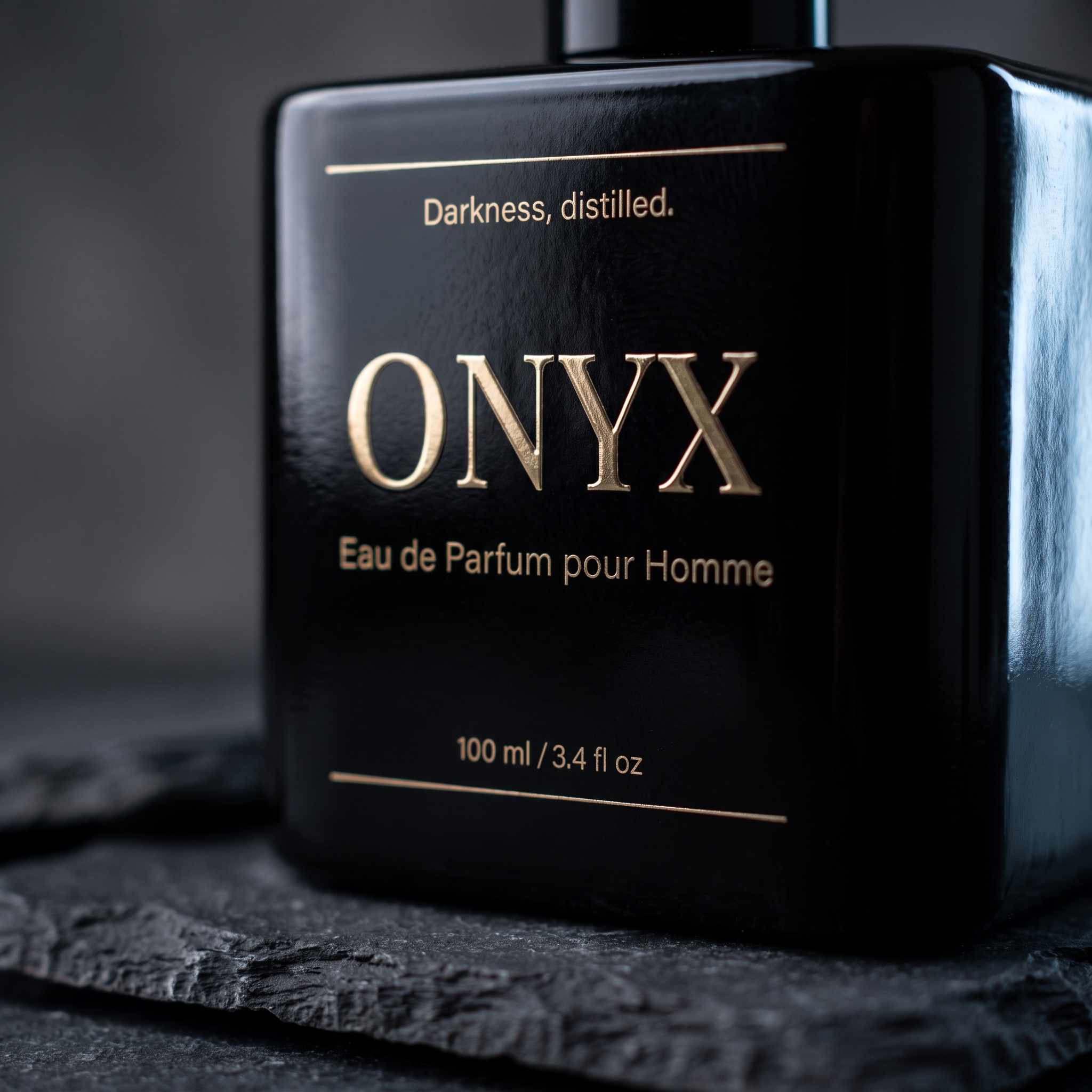
Macro crop of the ONYX bottle on charcoal
Macro · texture contrast
WANT A SPECIFIC LOOK? SHOW IT, DON'T DESCRIBE IT
Attach photos of the mood you are after and ask for your product in that scene. The look comes from the references; your product stays exactly as it is.
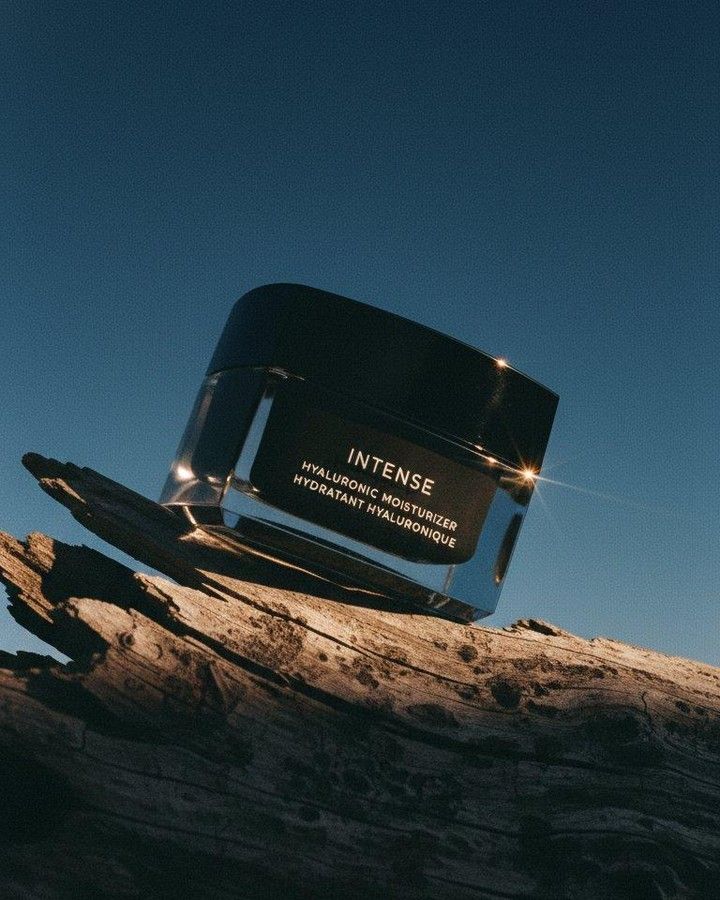
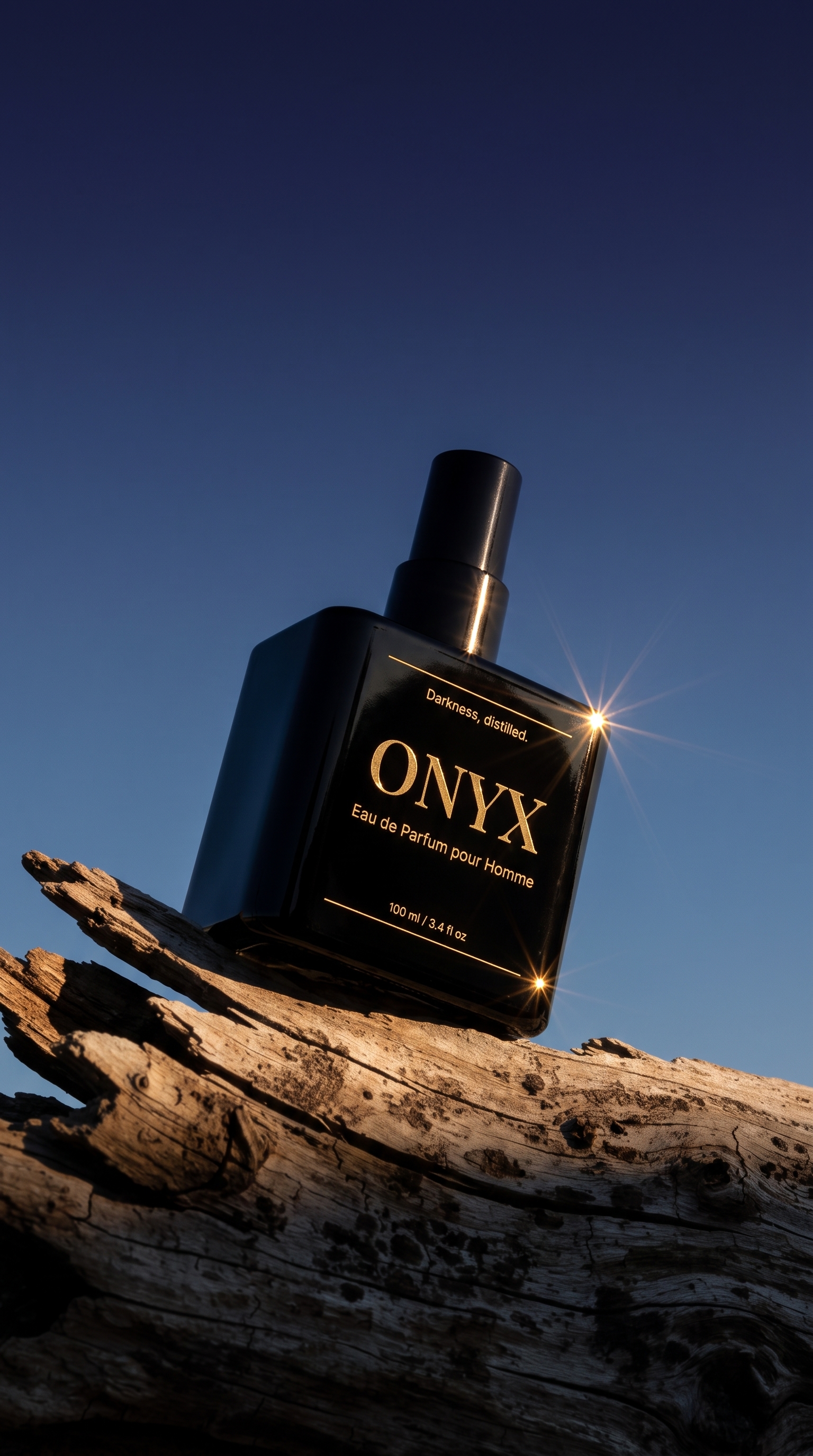
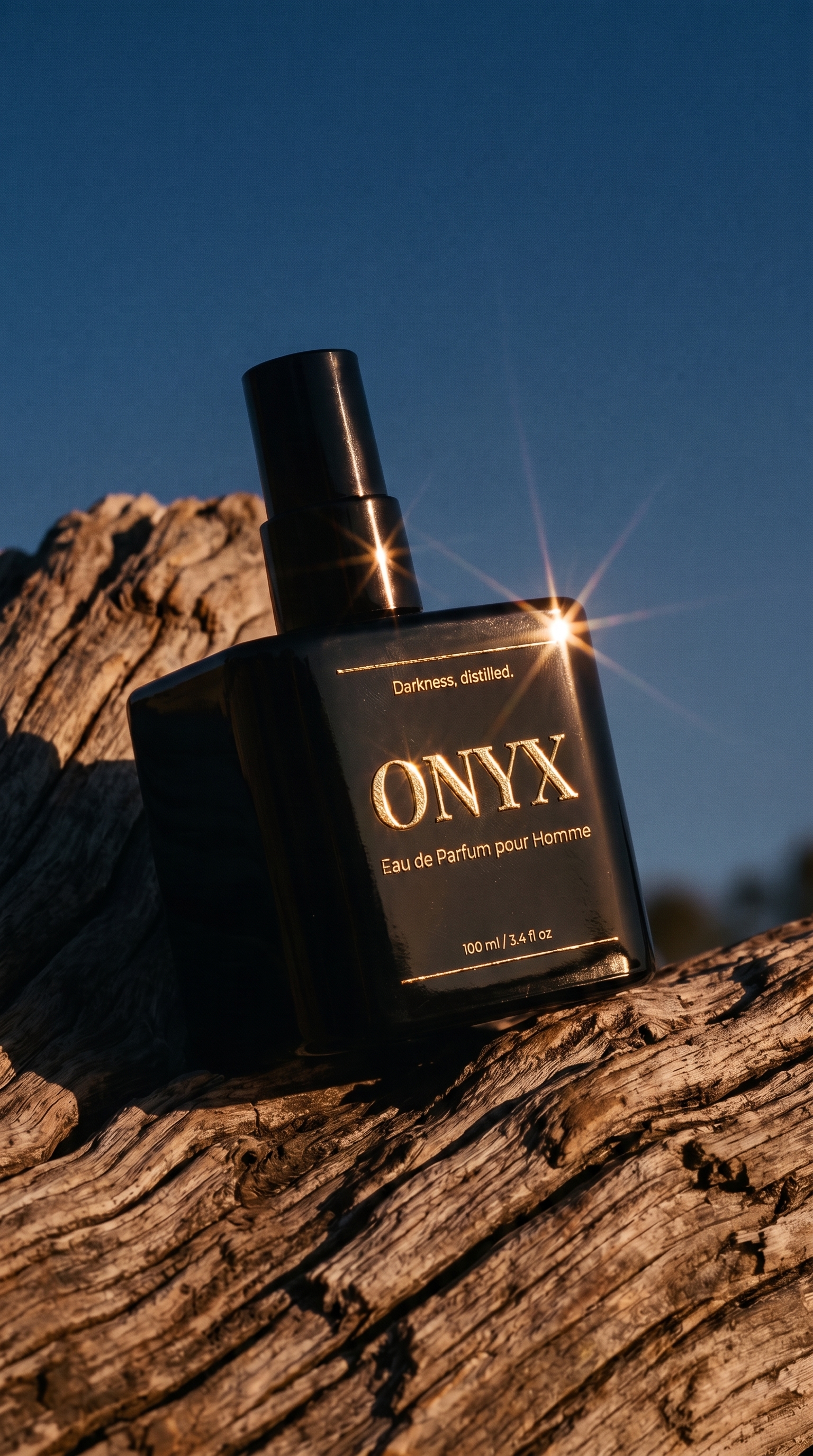
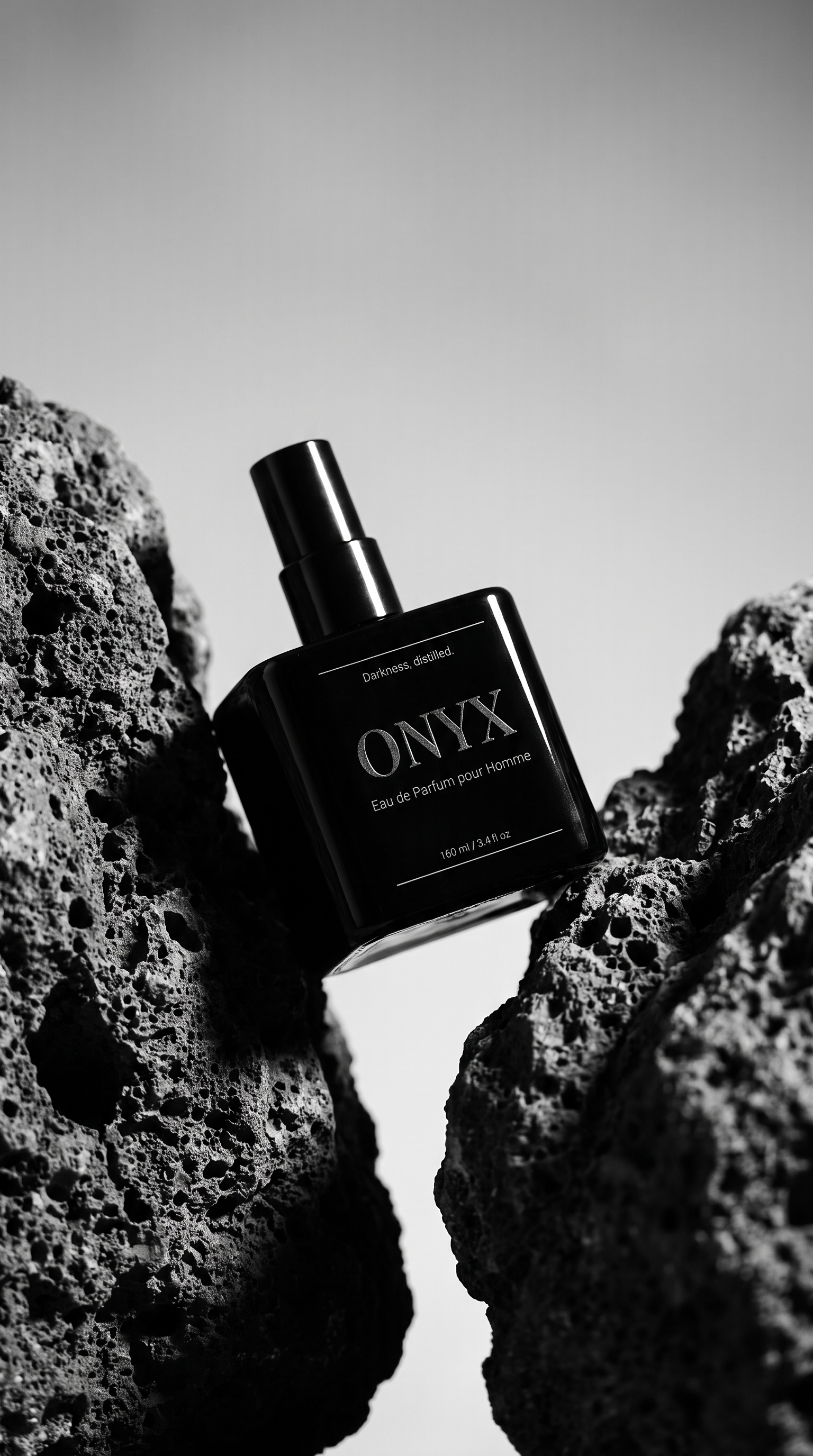
Now create 3 images with our Onyx product but using the three photos as inspiration for the scene and the lighting.
THE THREE AD SHOTS BUILT FROM REFERENCE PHOTOS, NOT ADJECTIVES
ONYX bottle on driftwood at twilight
From the twilight driftwood reference
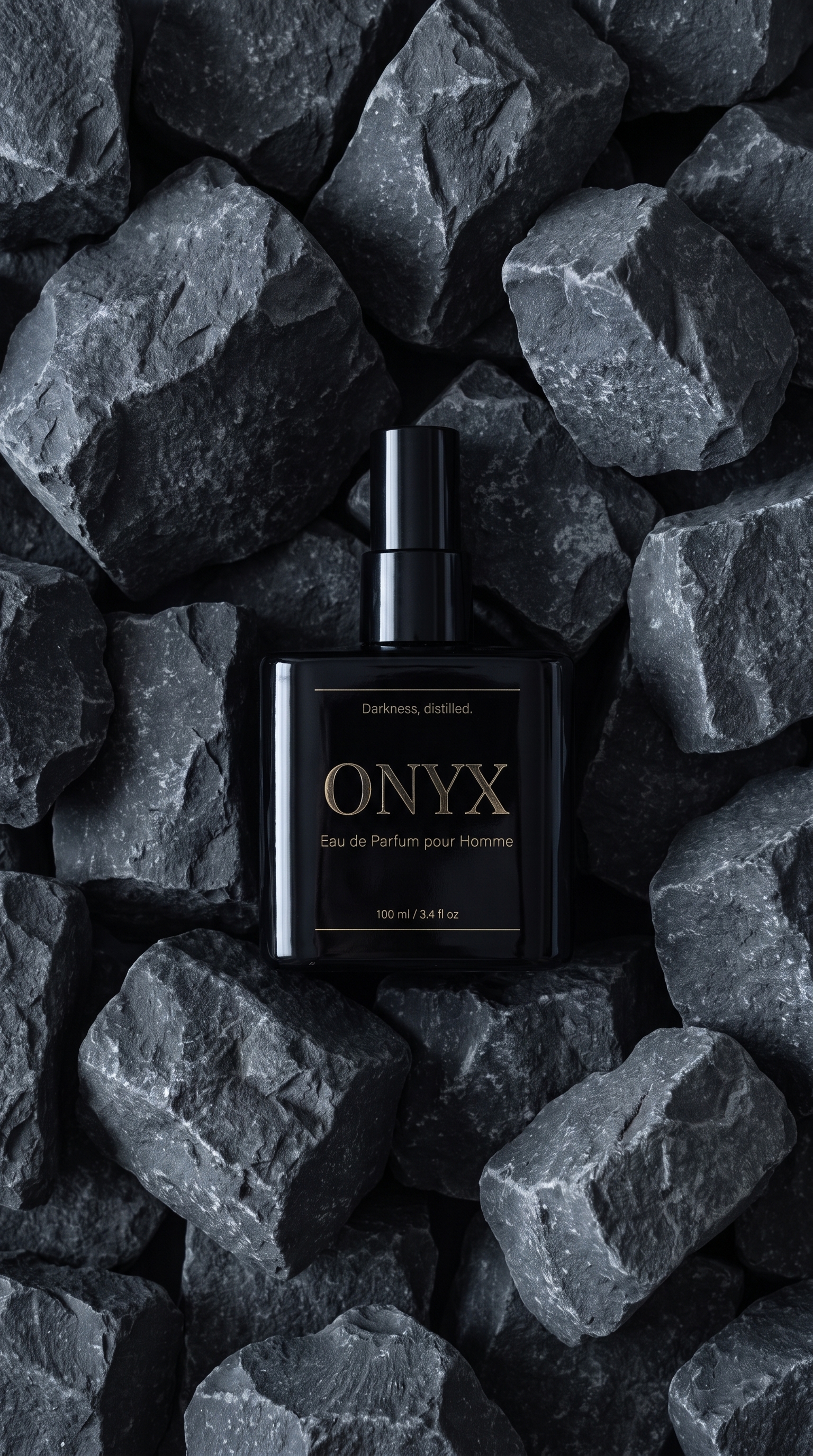
ONYX bottle laid on grey quarry stone
From the stone quarry reference
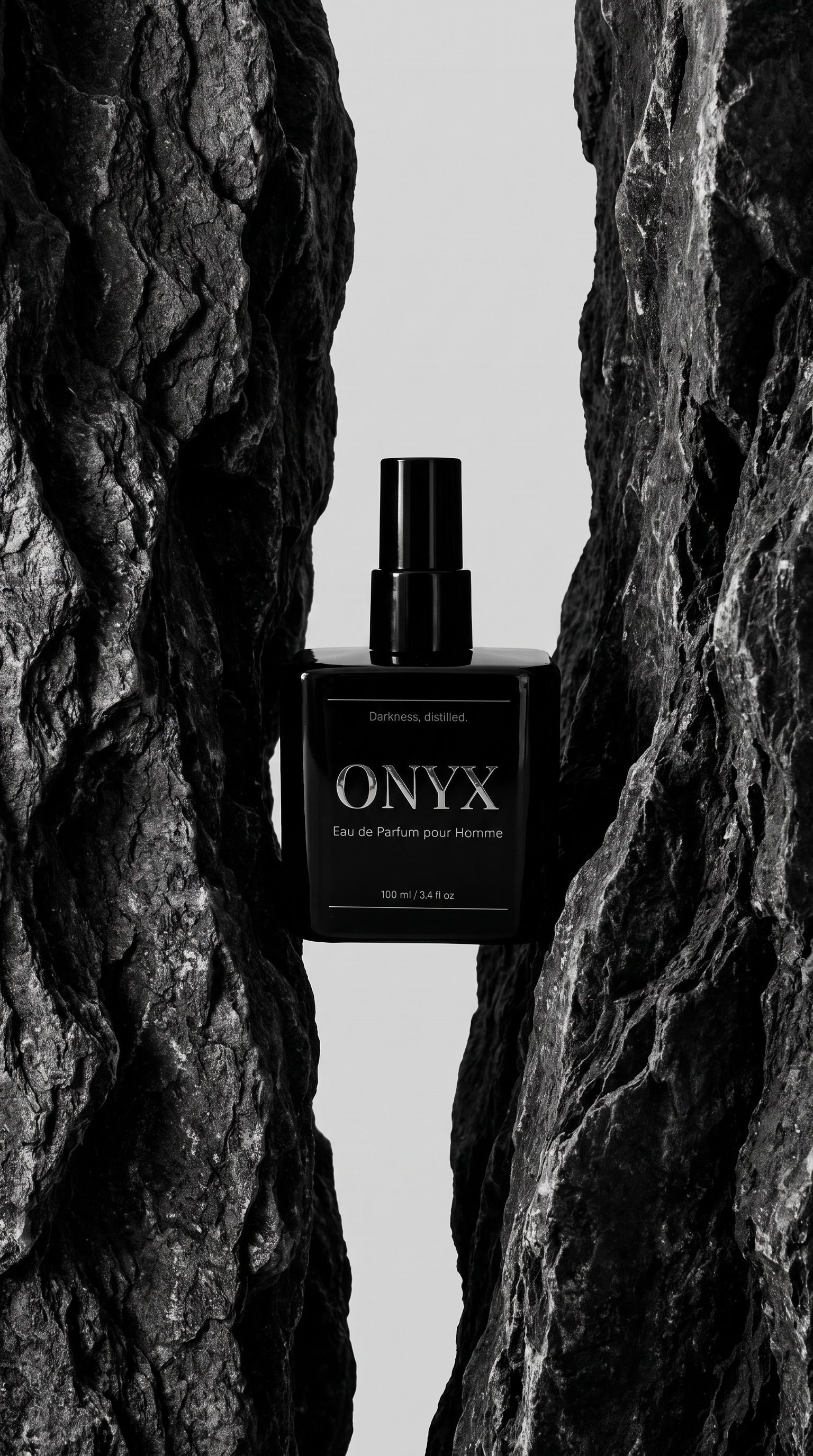
ONYX bottle in a split volcanic rock
From the volcanic rock reference
ONYX bottle on driftwood at twilight
From the twilight driftwood reference
ONYX bottle laid on grey quarry stone
From the stone quarry reference
ONYX bottle in a split volcanic rock
From the volcanic rock reference
HOW IT WORKS THREE STEPS, NO PHOTOGRAPHER
1. Photograph it on your phone
One straight on, one at 45°. These hold your product’s shape, label and finish across every shot that follows.
2. Ask in one sentence
Say how many images you want and what they are for. Every shot comes back as an editable brief: angle, lighting, camera, lens.
3. Change anything, then generate
Re-lens a shot, move the light, rewrite the scene. Credits are spent when you press generate, and not before.
READY TO SHOOT YOUR OWN? IT STARTS WITH TWO PHONE PHOTOS
Take two photos of your product right now, paste the prompt above, and watch your own set come back.